Tutorials
Step by step – in short videos.
The key tasks in KLXM Studio, recorded in a test installation: without sound, with German and English subtitles. Every step is written out below each video – the same guide is in every installation under Help → Tutorials.
Editors 9 tutorials
Maintaining text, images, events and requests – everyday work shown in a few minutes.
-
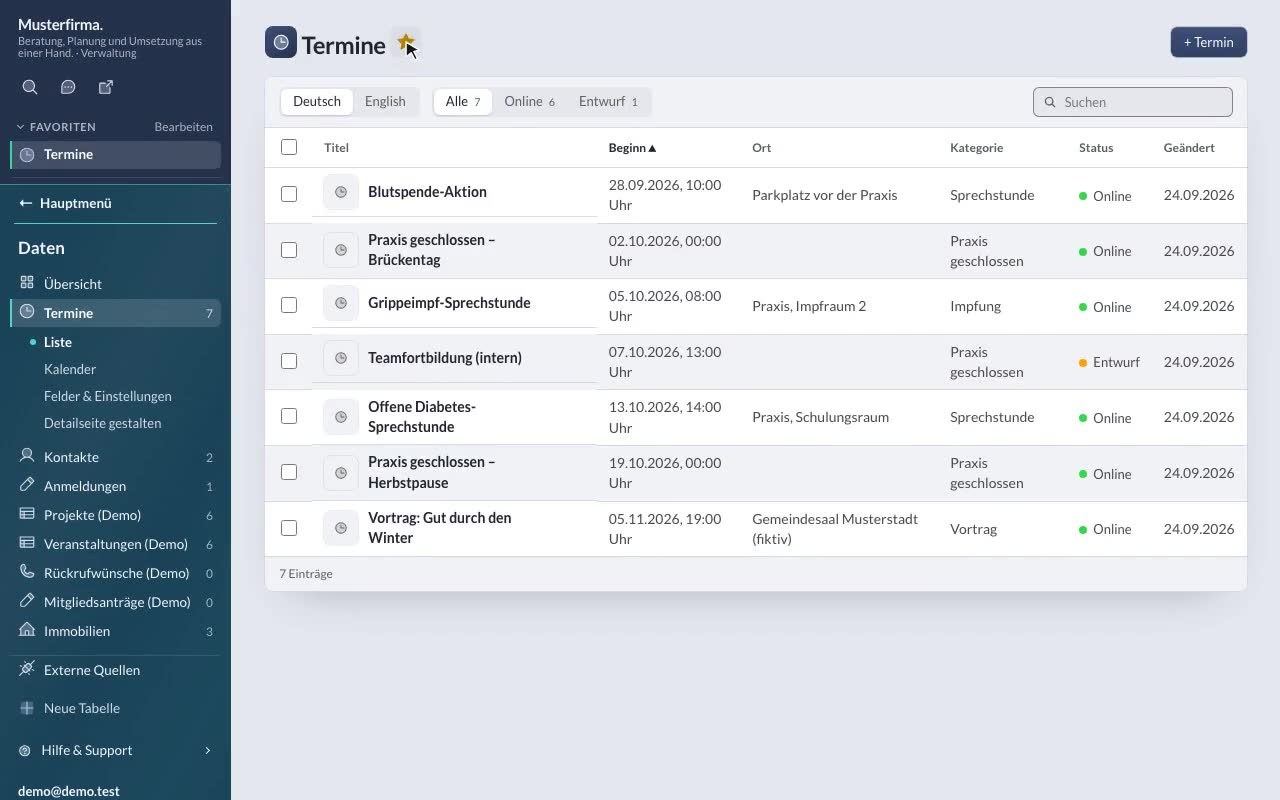
Signing in & finding your way
Sign in, sidebar with area colours, favourites ☆, search with ⌘K and help & support. -
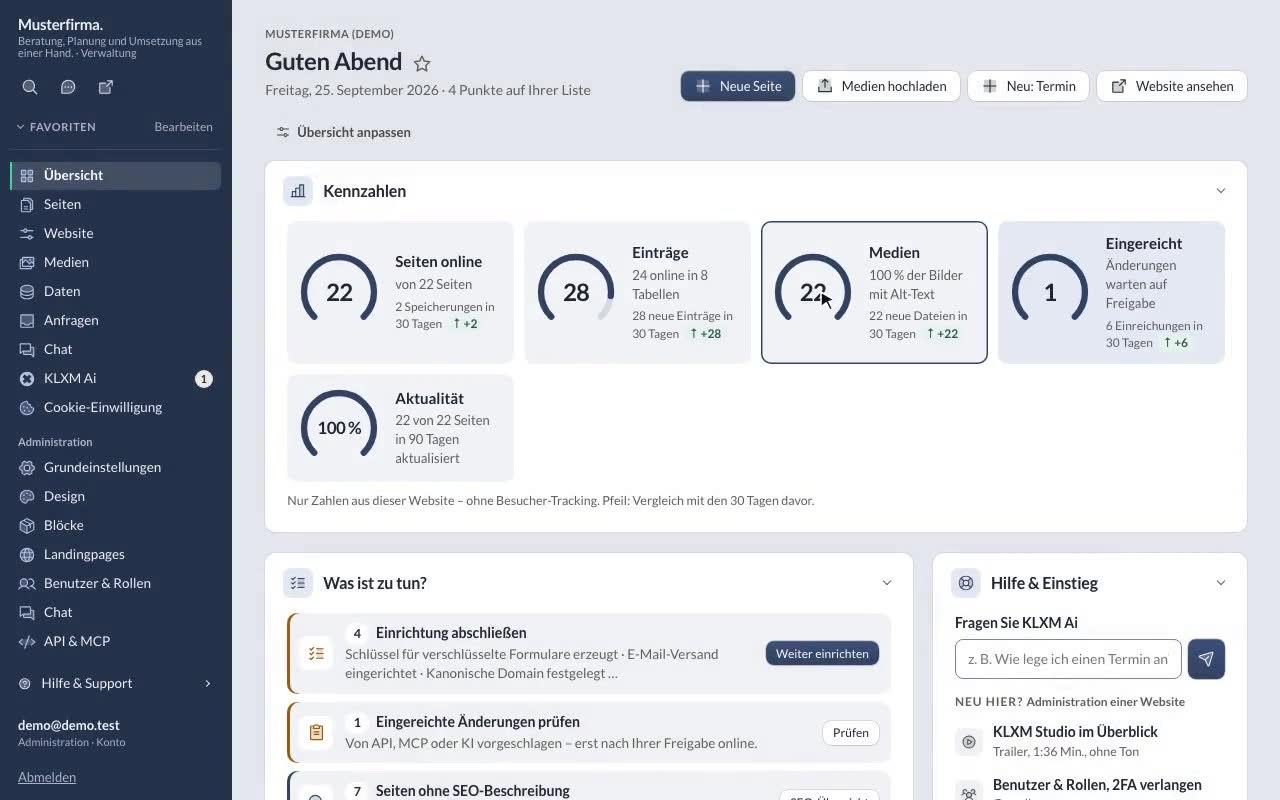
The new dashboard
Key figures, “what to do”, statistics without tracking, recently edited – and customising the dashboard. -
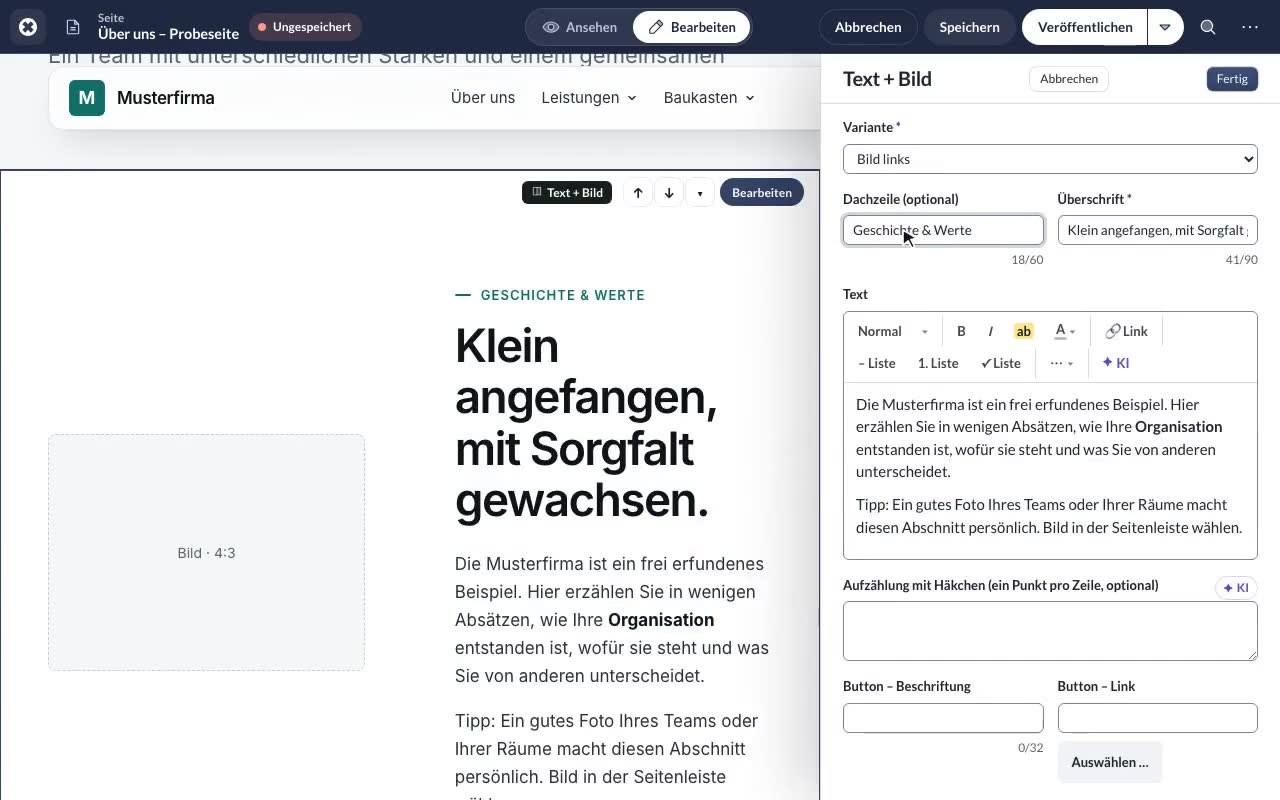
Editing & publishing a page
Change things right on the website: blocks, formatting bar, draft, preview, publish. -
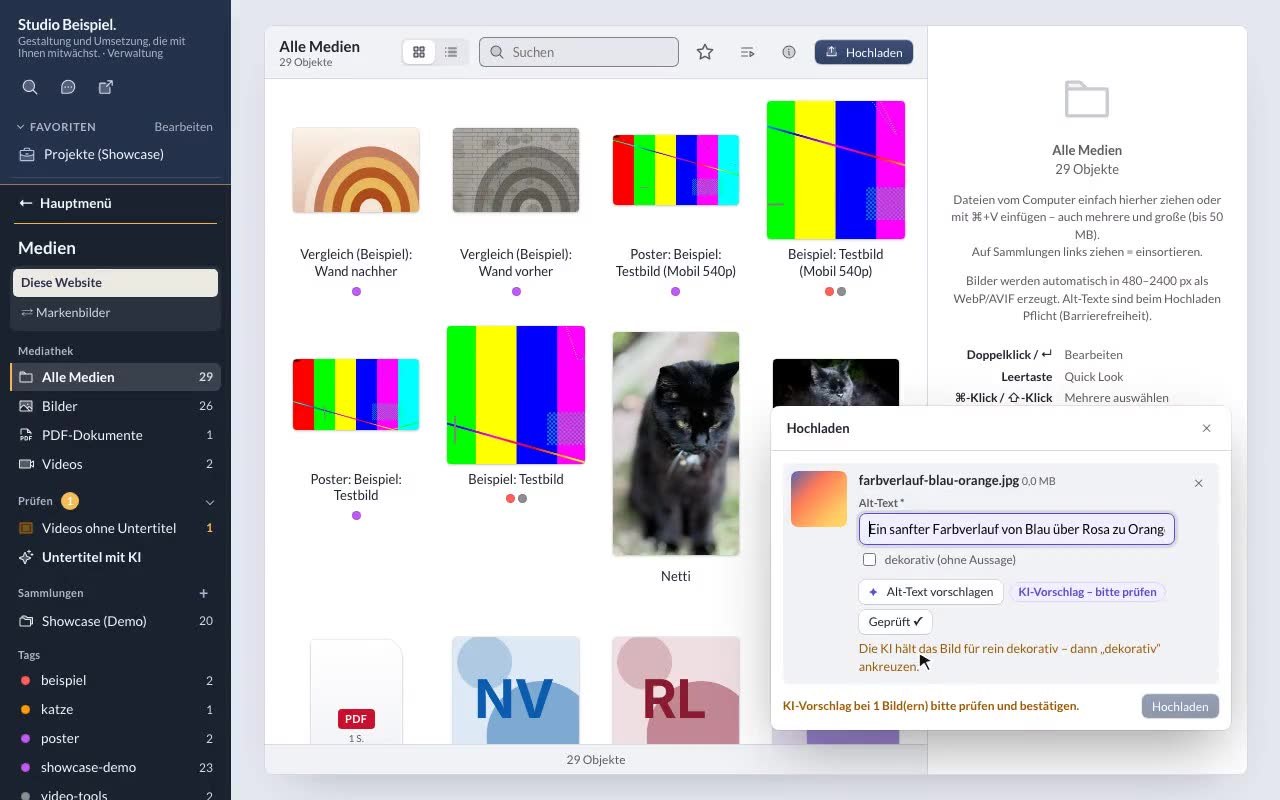
Uploading an image with alt text
Drag & drop, pasting with ⌘V and checking the AI suggestion for the alt text. -
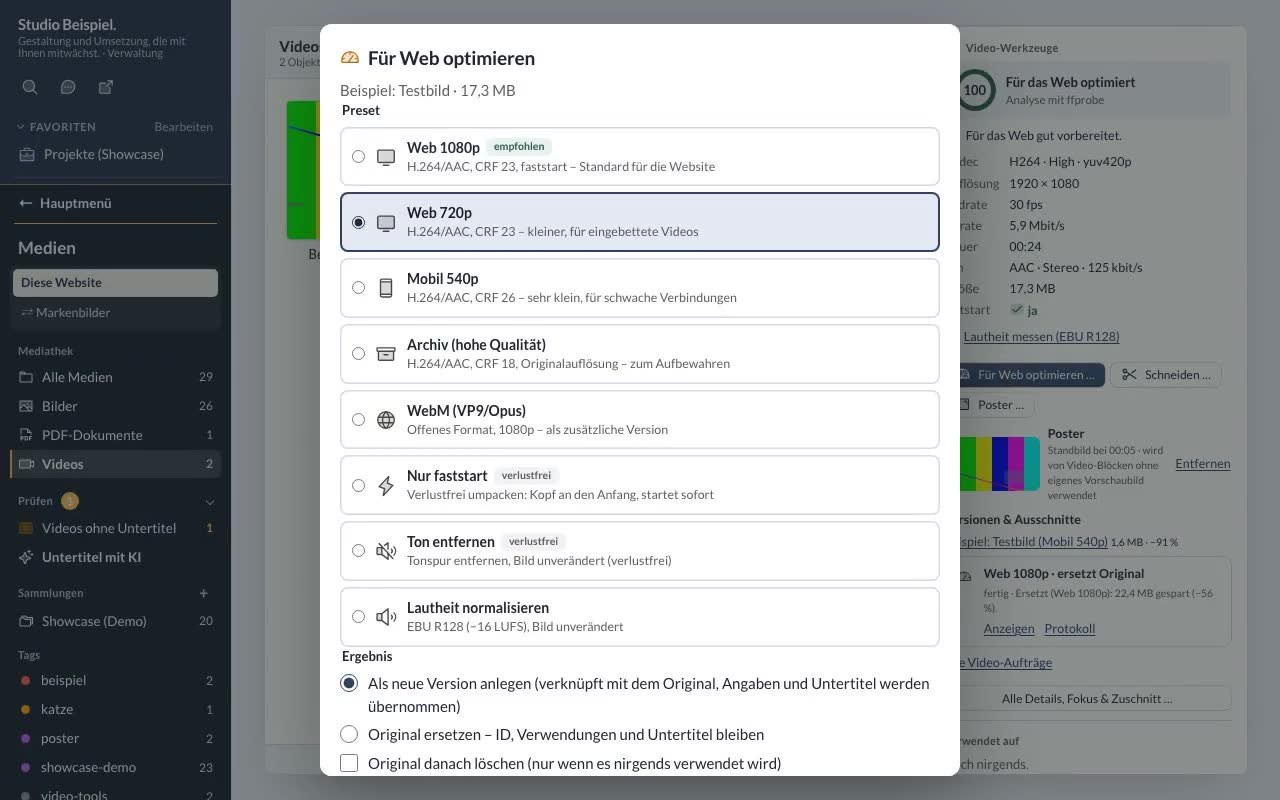
Optimising and trimming videos
Video tools: analysis with a score, optimise for the web, trim, choose a poster – in the background. -
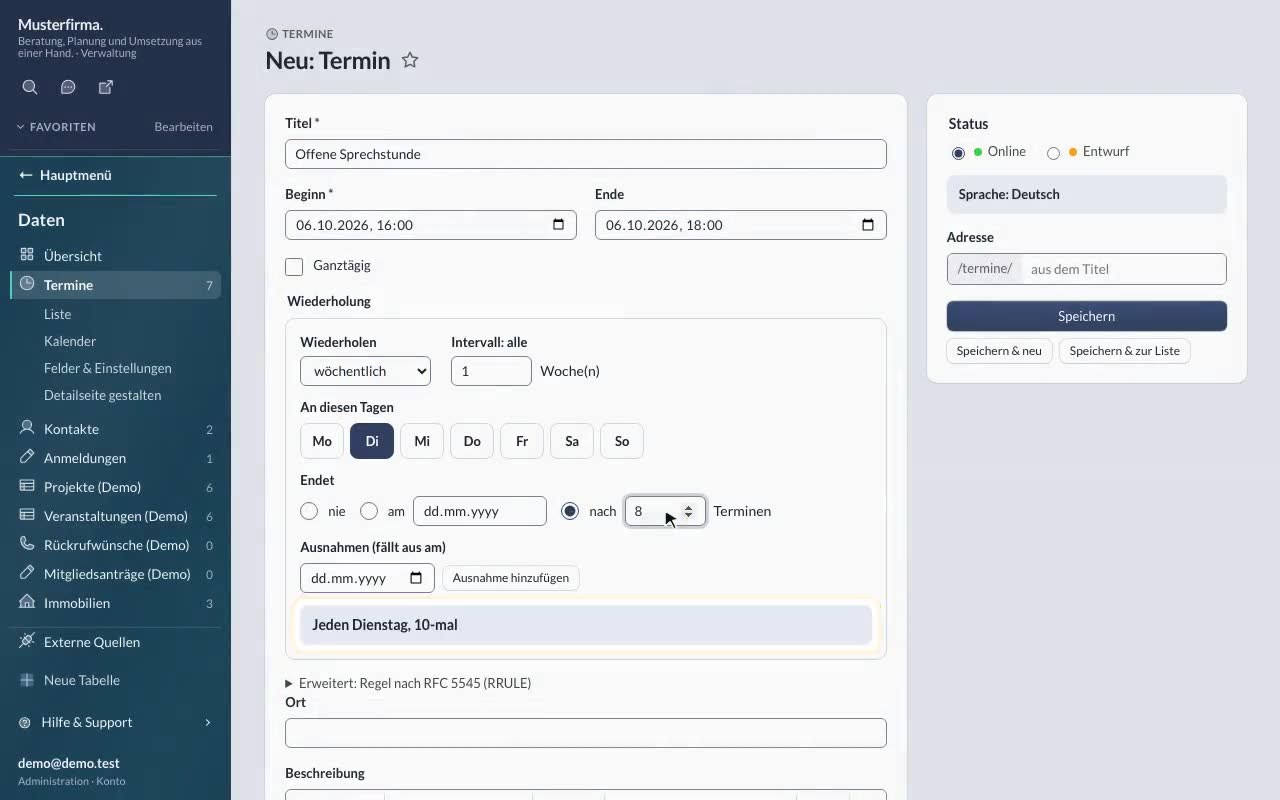
Creating a recurring event
Create an entry (weekly series) and change it right on its detail page. -
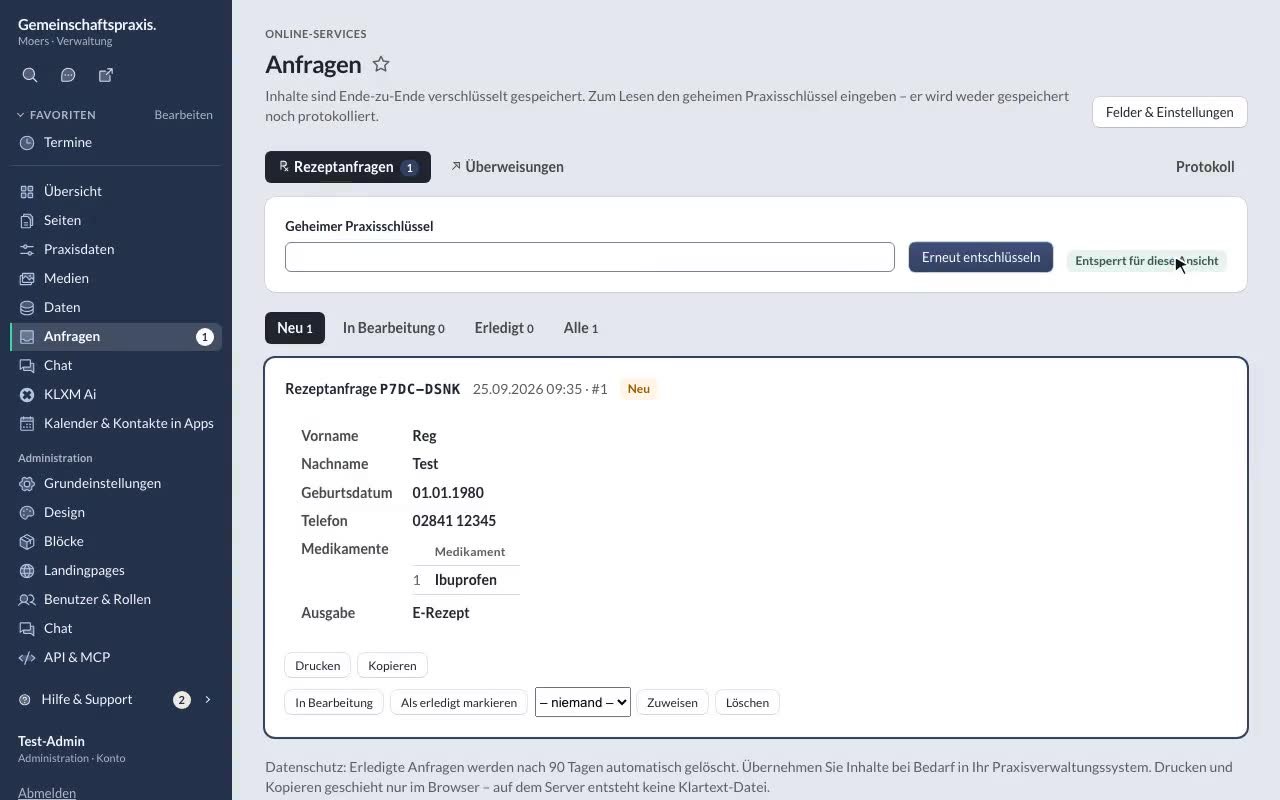
Reading requests in the inbox
Decrypt encrypted online requests, read them and set their status. -
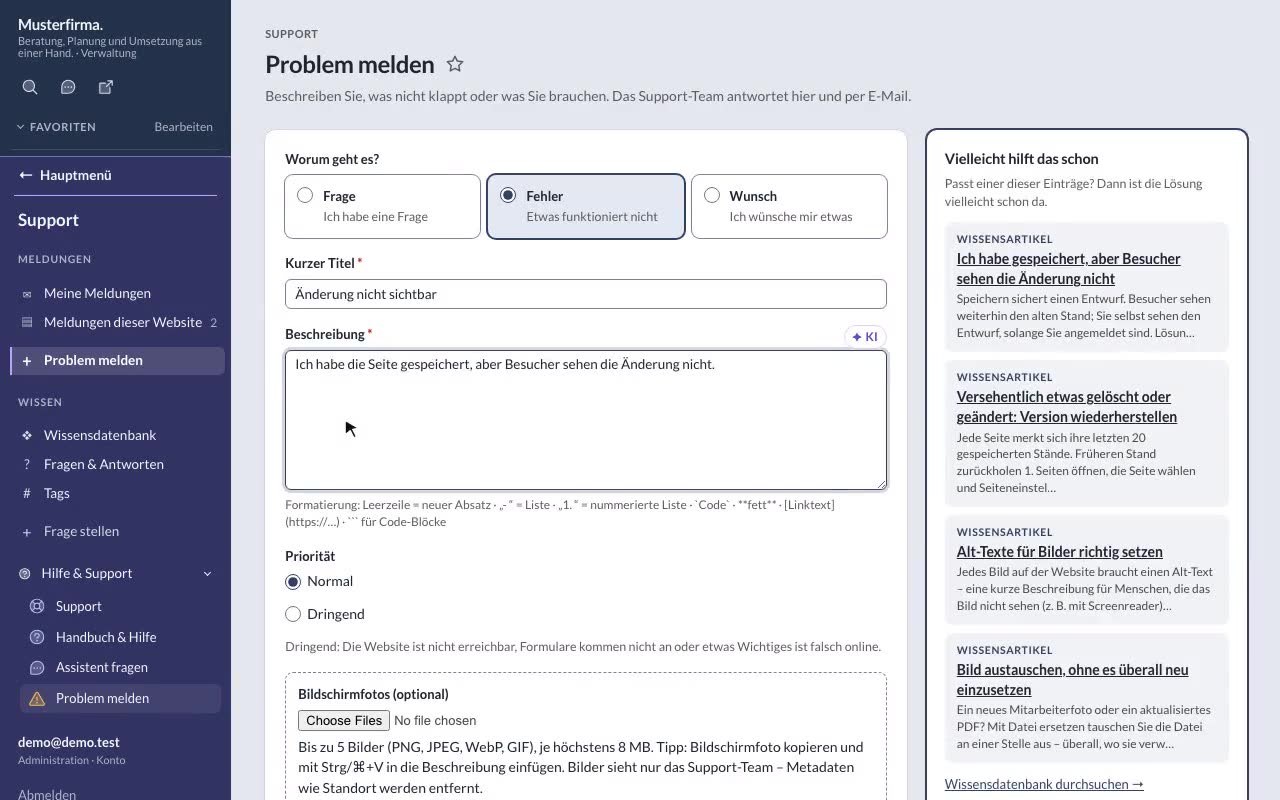
Reporting a problem & knowledge base
Send a report with technical details and look things up yourself in the knowledge base. -
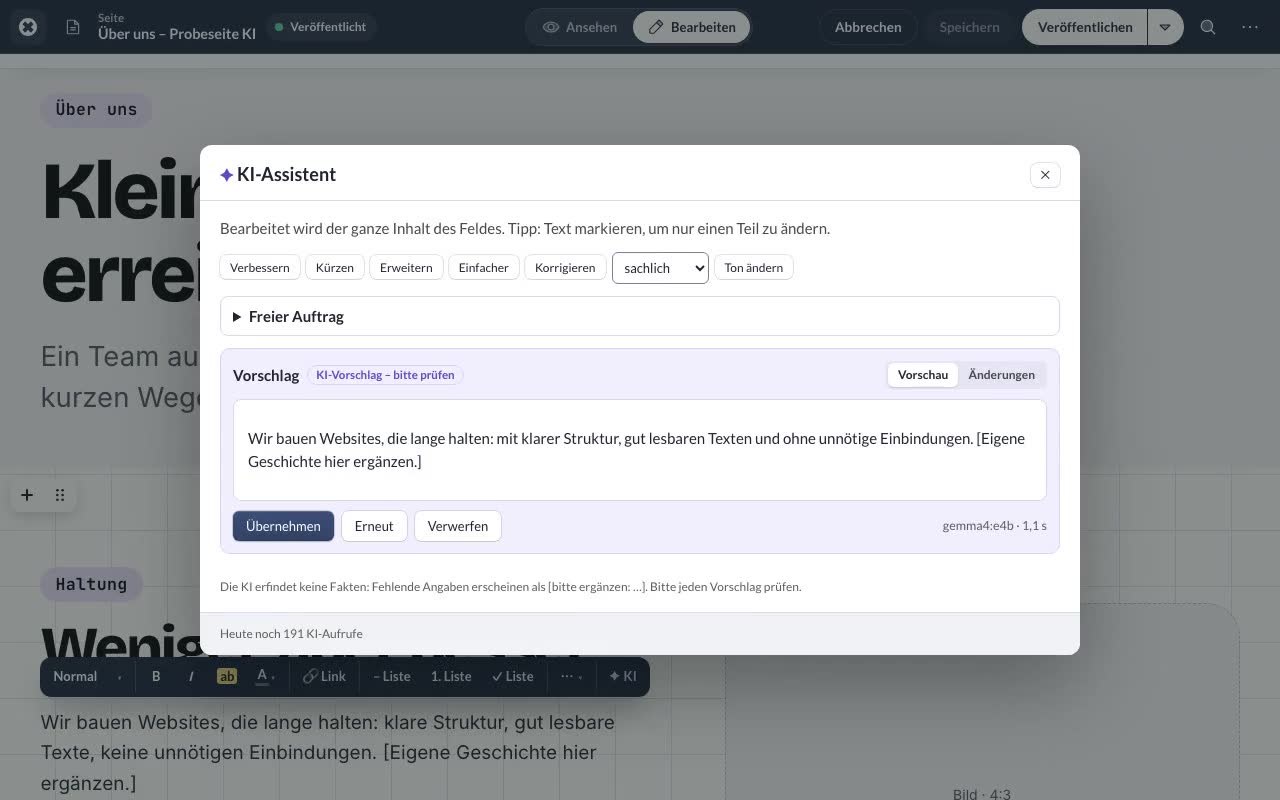
KLXM Ai: improving & translating text
Check AI suggestions, apply or discard them – and create translations as drafts.
Running a website 9 tutorials
Users and roles, central details, design, custom data tables, accessible videos, interfaces and search engines.
-
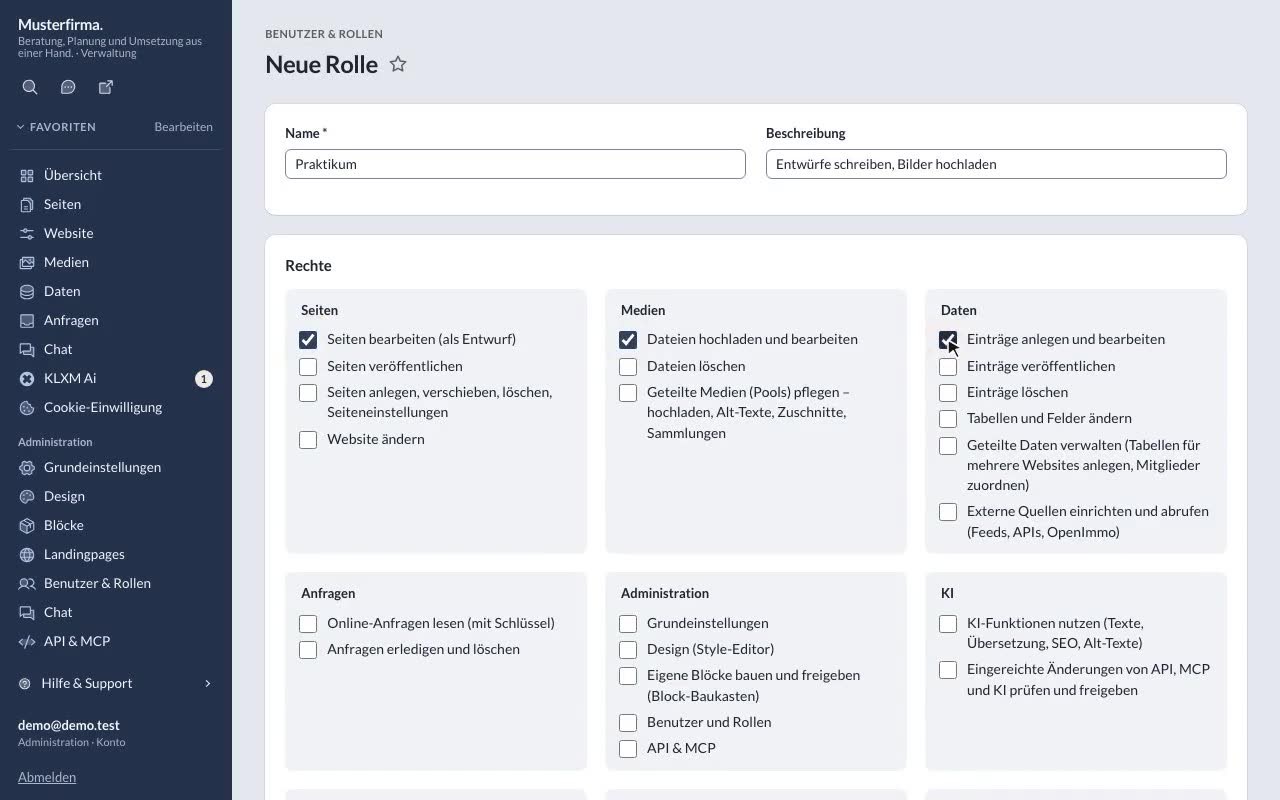
Users & roles, requiring 2FA
Compose your own role, create an account and require a second factor (app or passkey) per role. -
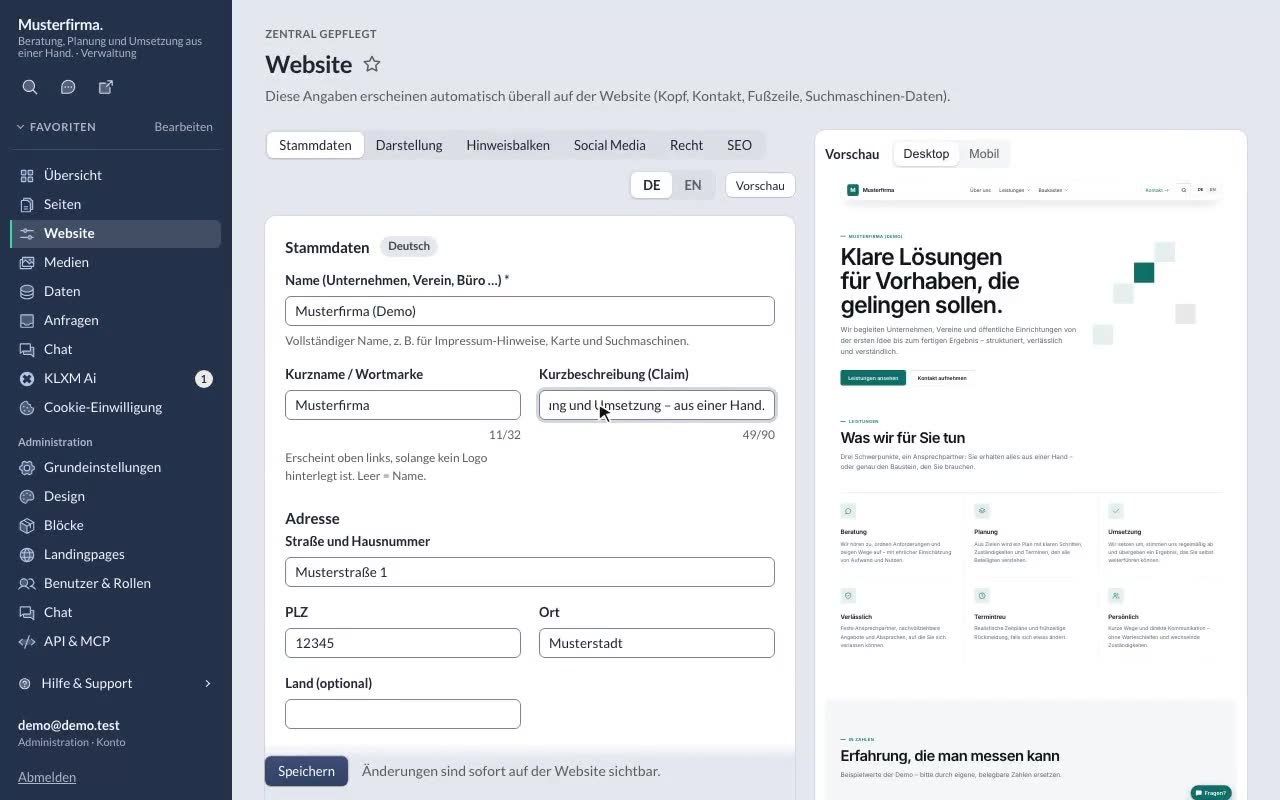
Website details & multiple languages
Maintain central details with a preview, translations and the website’s languages. -
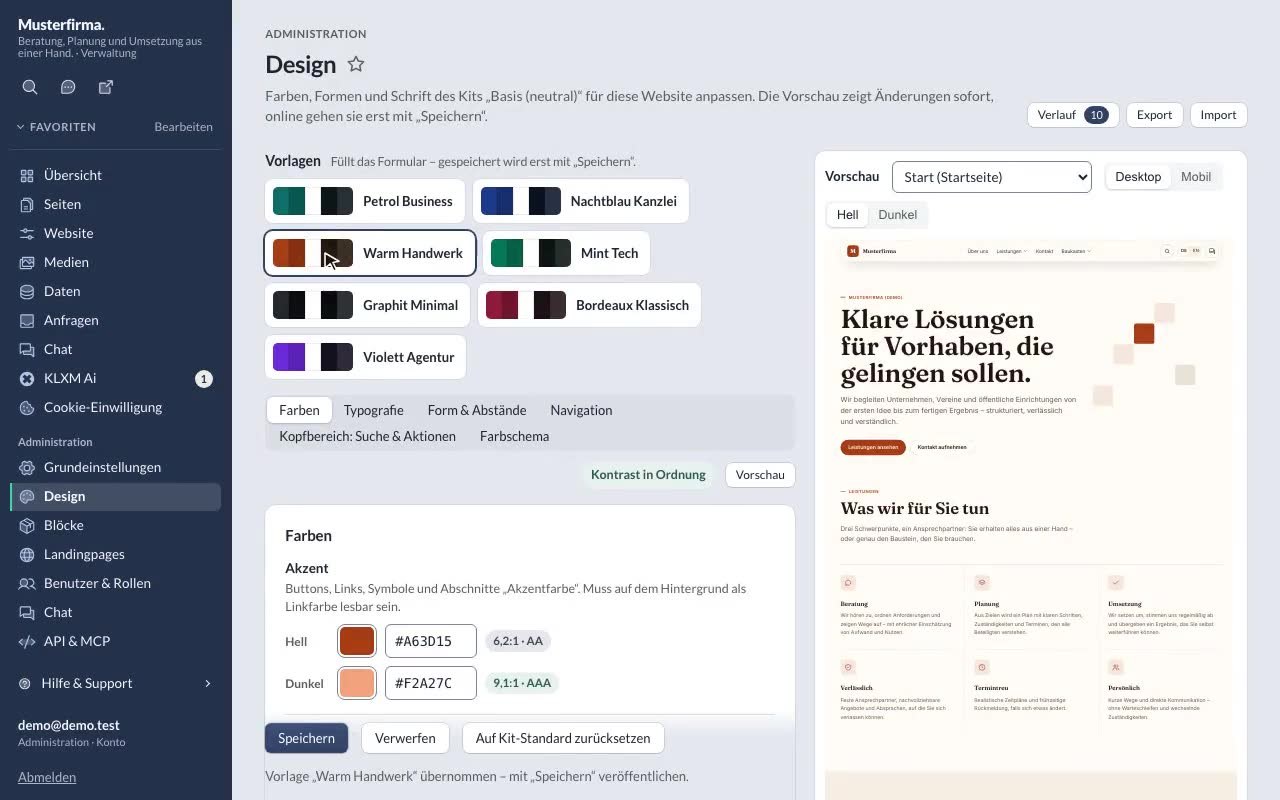
Design: style editor, presets, navigation
Try presets, colours with contrast checks, navigation – with a live preview. -
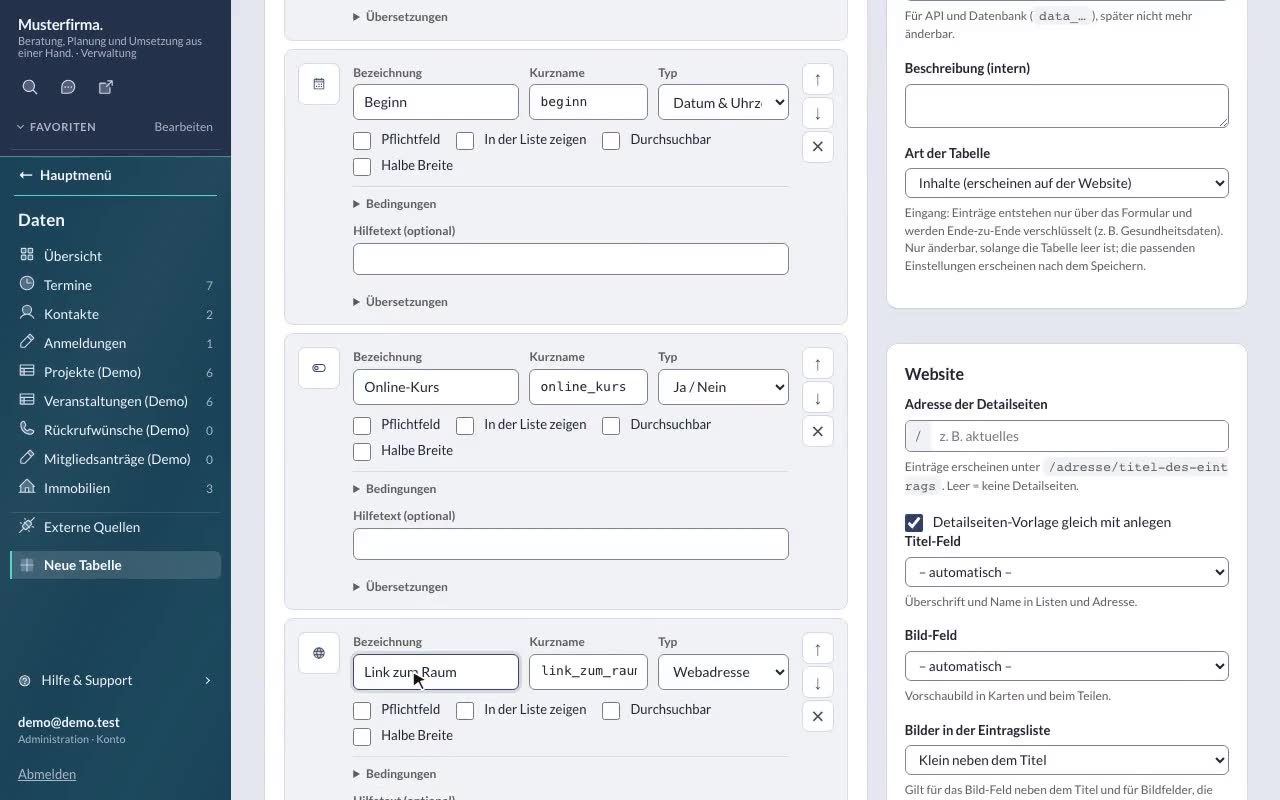
Creating a data table
Fields, icon picker, conditions, form, search – and then the calendar. -
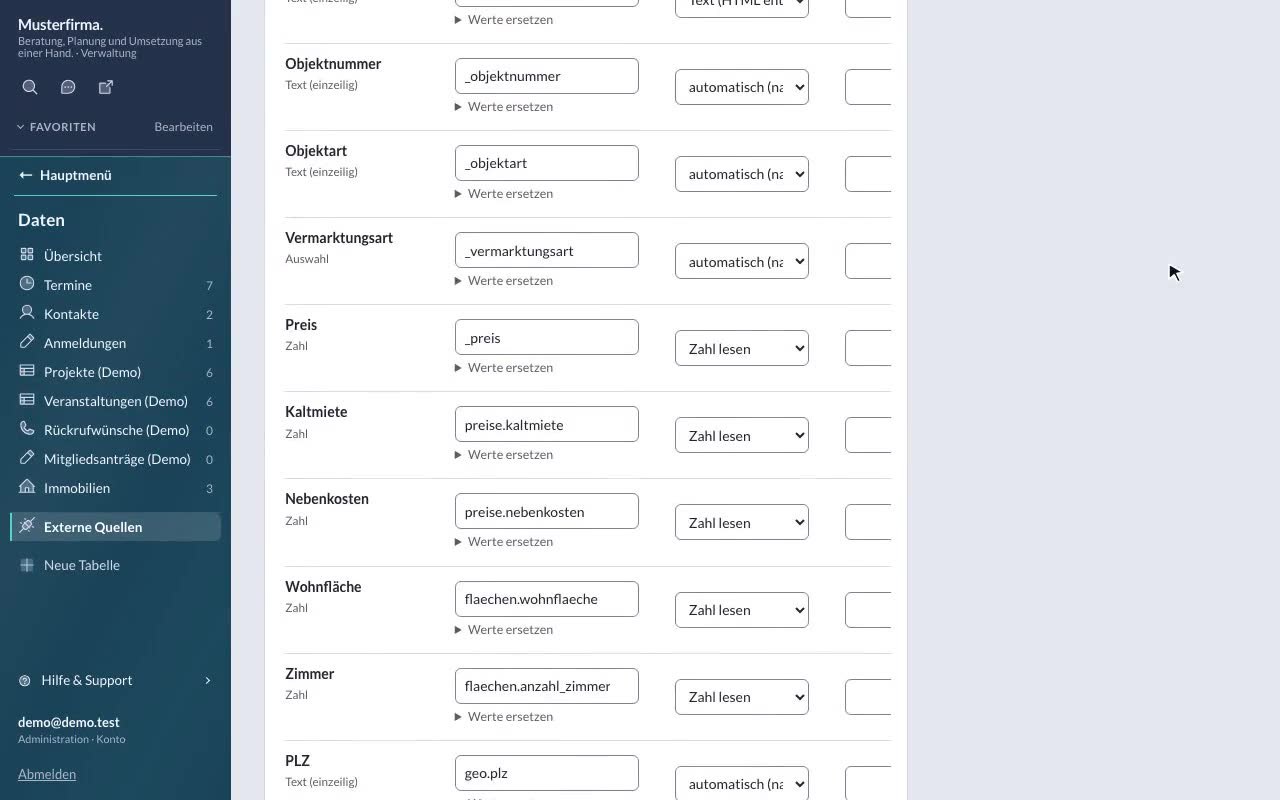
Connecting external sources
Fetch RSS, JSON, XML or OpenImmo regularly and show it as entries of a data table. -
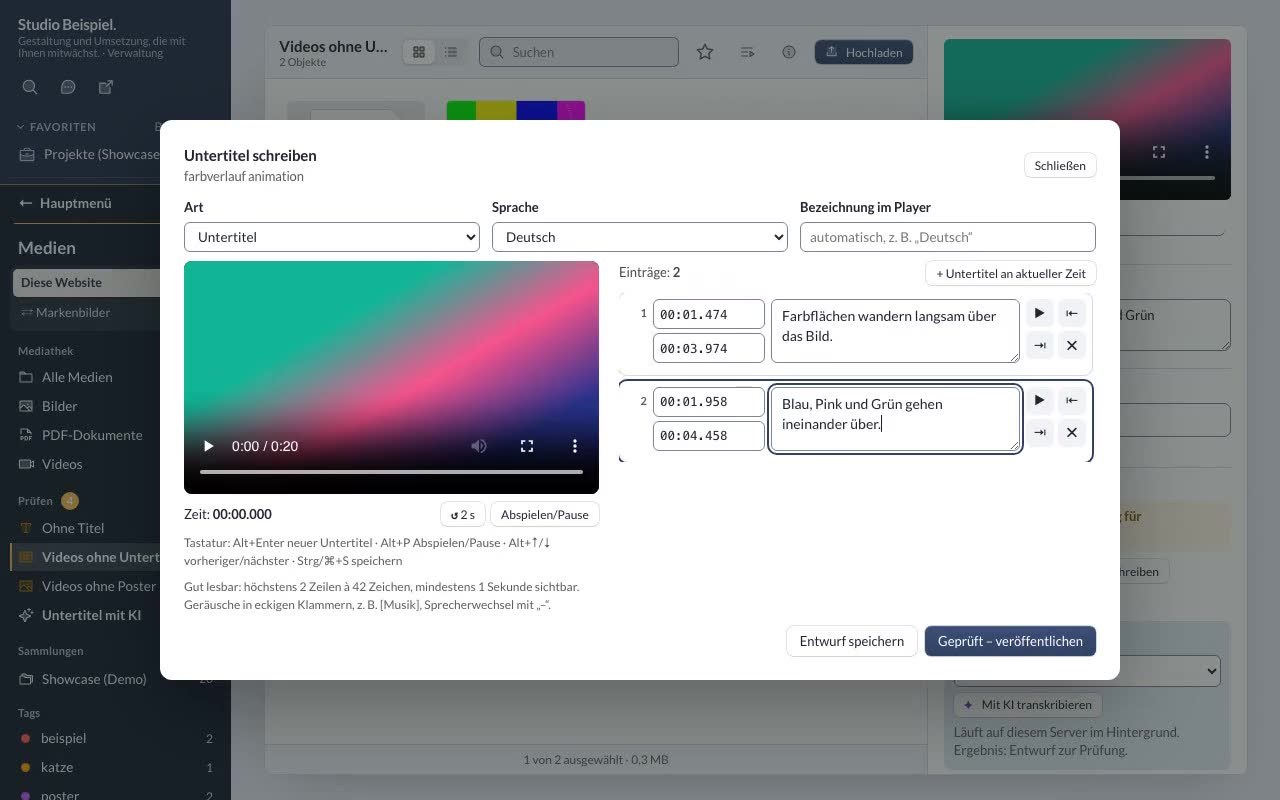
Captions & transcripts for videos
Write or upload captions, review and publish them, and turn them into a transcript. -
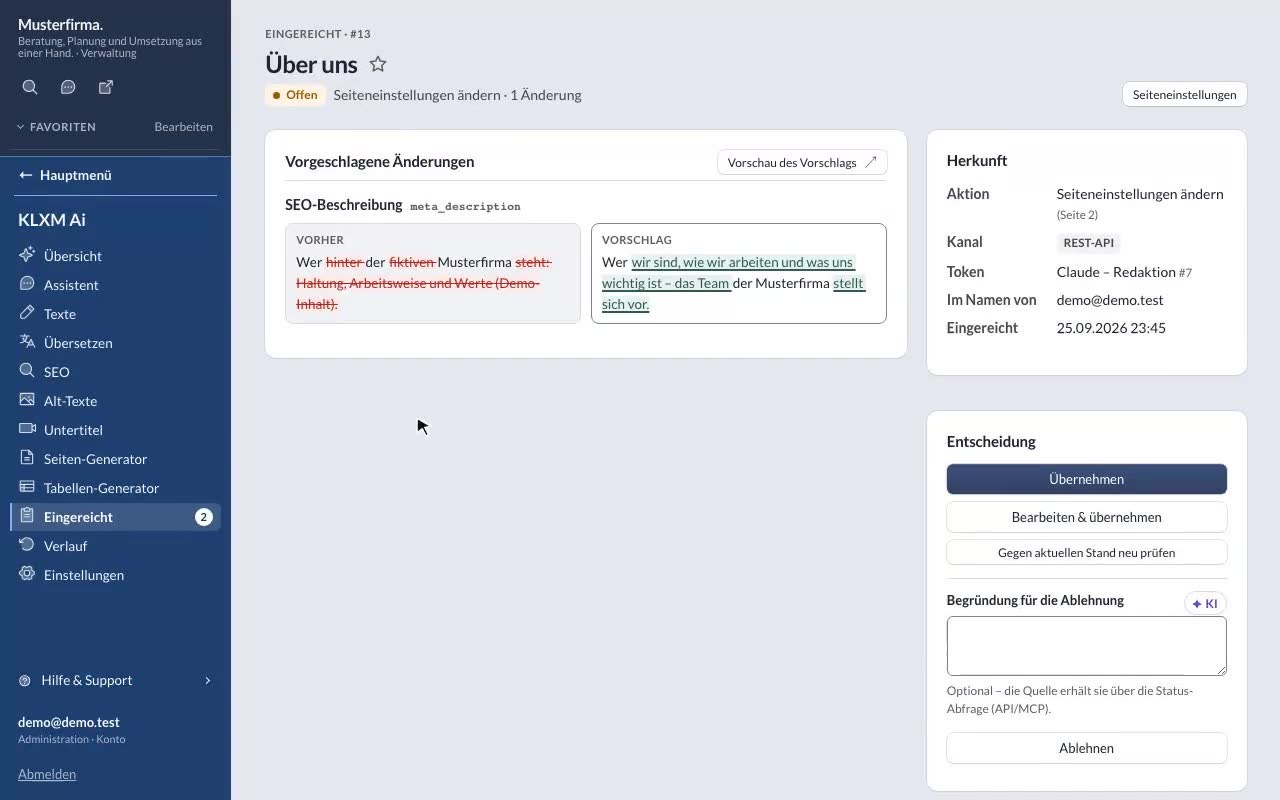
API tokens & “Submitted” (approval)
Create tokens for AI assistants (MCP) and the REST API – changes only after approval. -
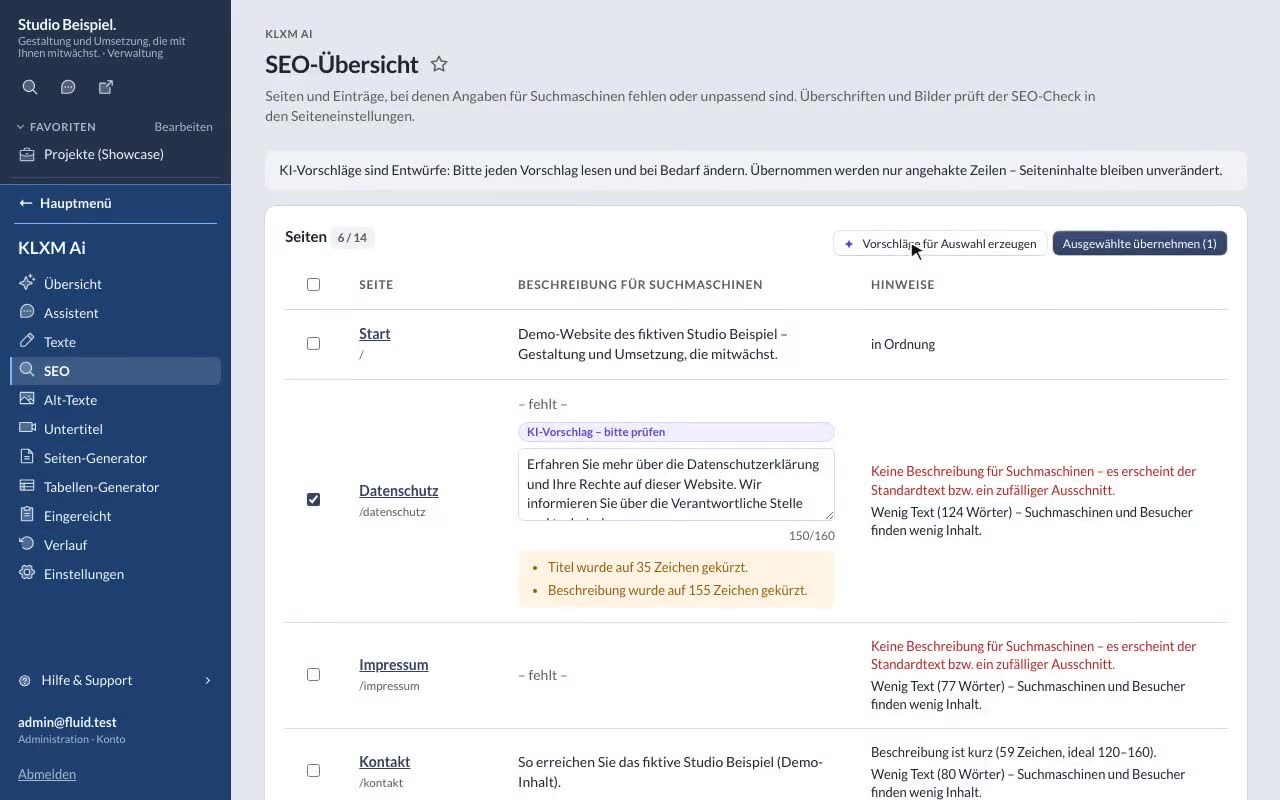
SEO overview
Find missing or duplicate descriptions and apply reviewed AI suggestions. -
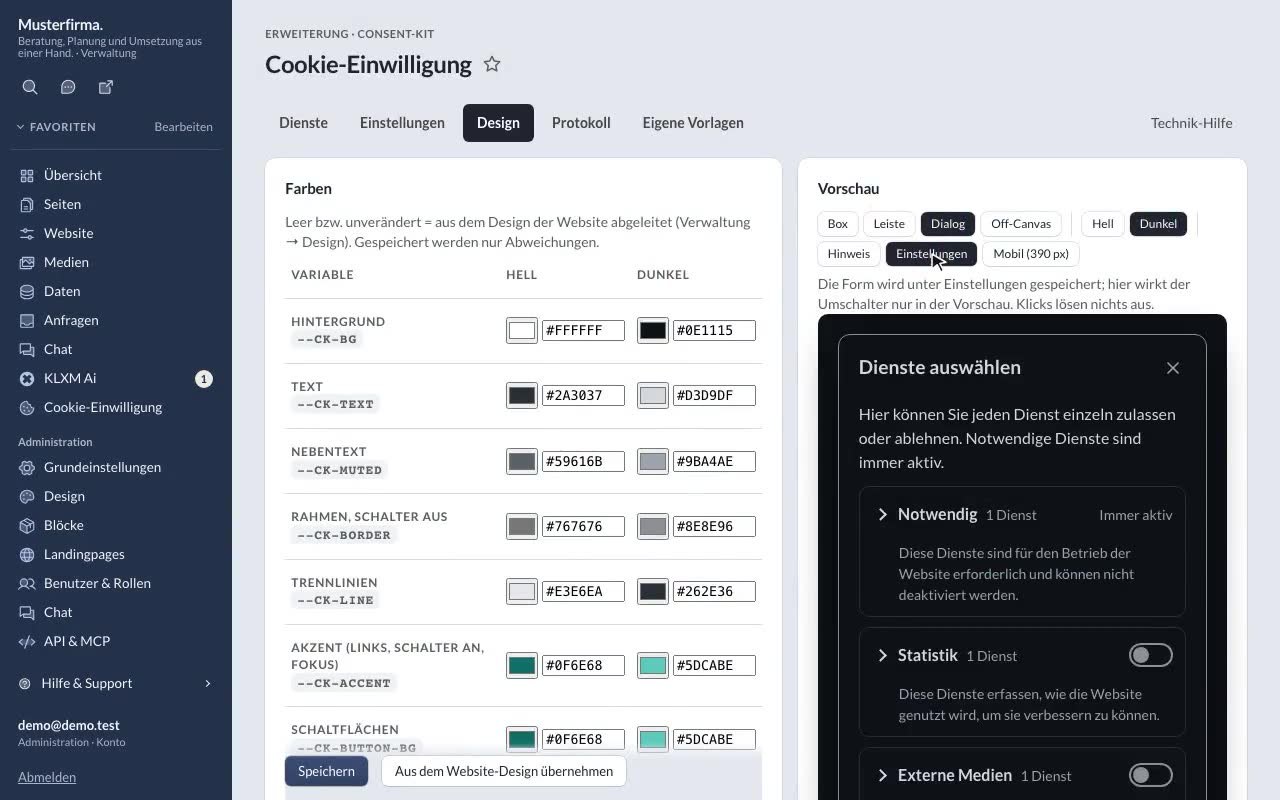
Cookie consent with the Consent Kit
Cookie-free out of the box – and when services are needed after all: consent with templates, design and a log.
Agencies & network 8 tutorials
Running several websites: network overview, new websites, feature sets, shared content, AI, deploy and kits.
-
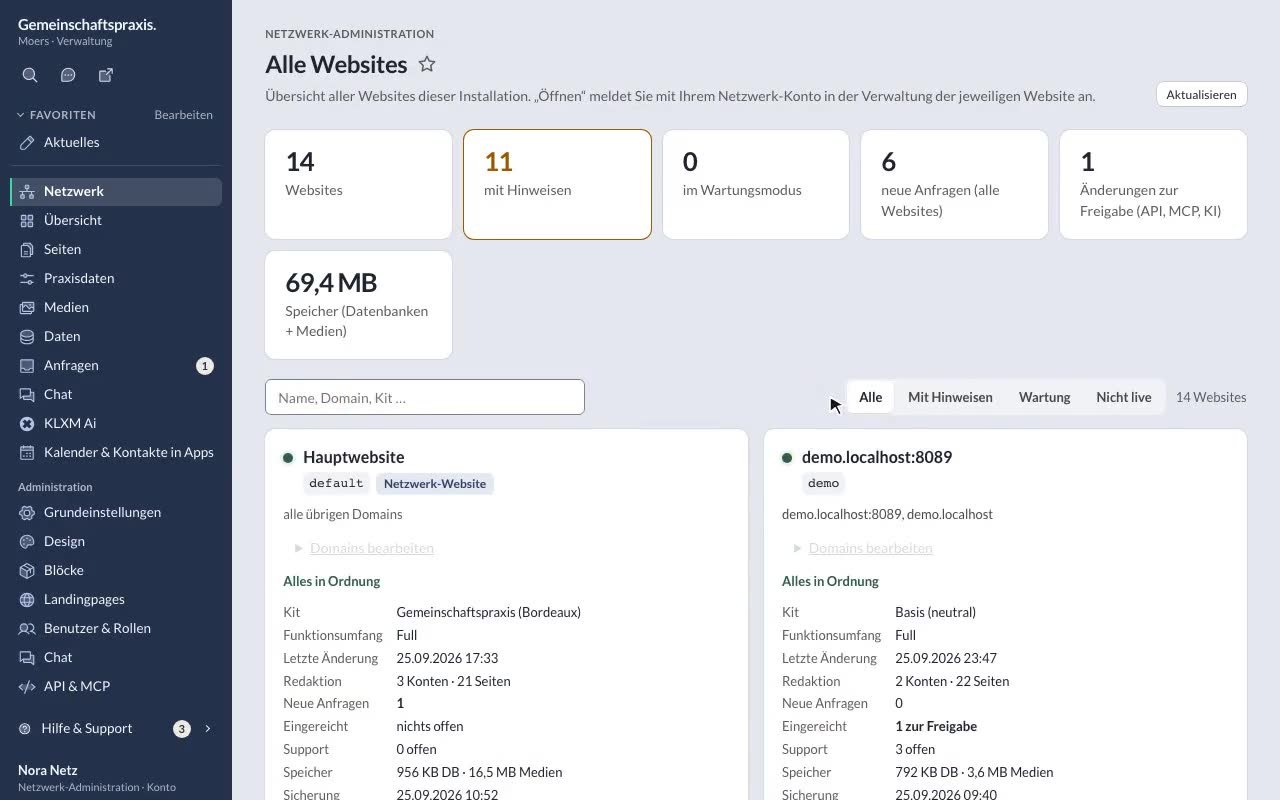
Network dashboard & opening a website
All websites at a glance, search, filter and open them via SSO. -
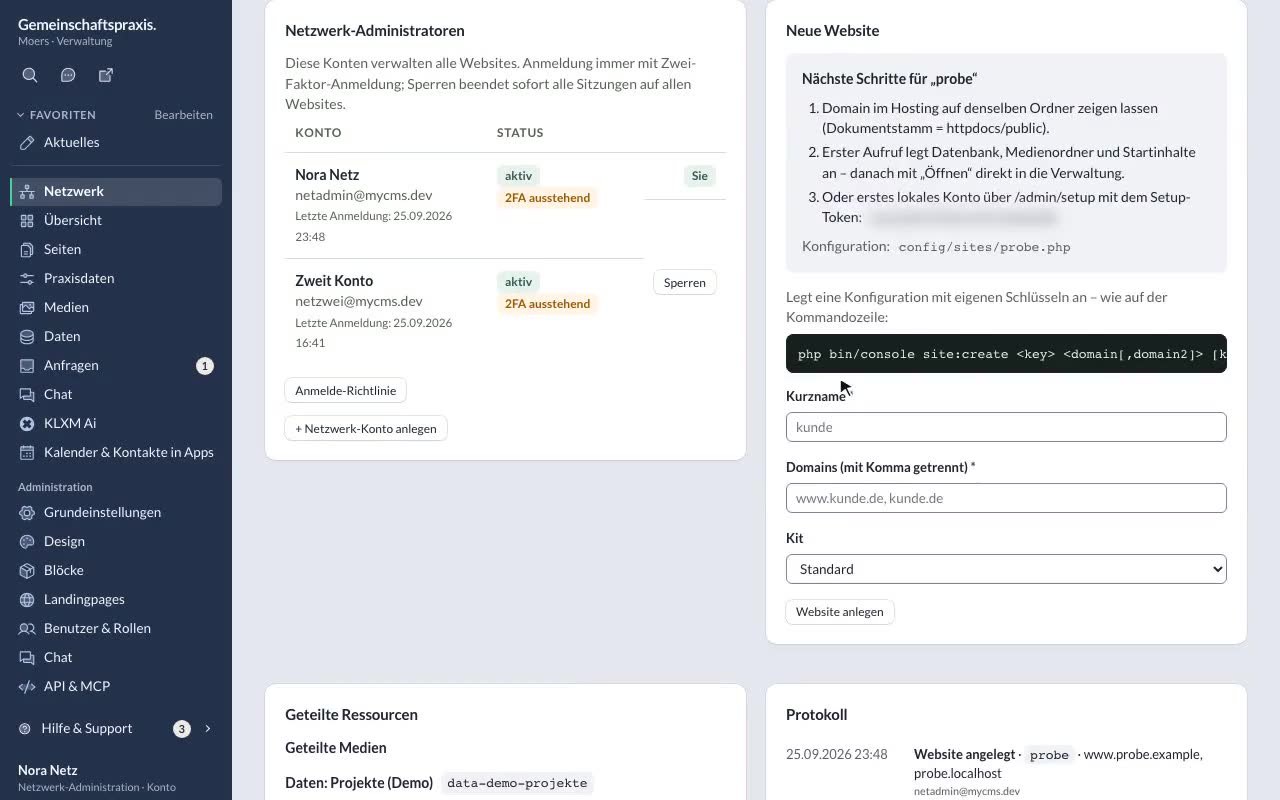
Creating a new website
Short name, domains and kit – in the interface or with site:create. -
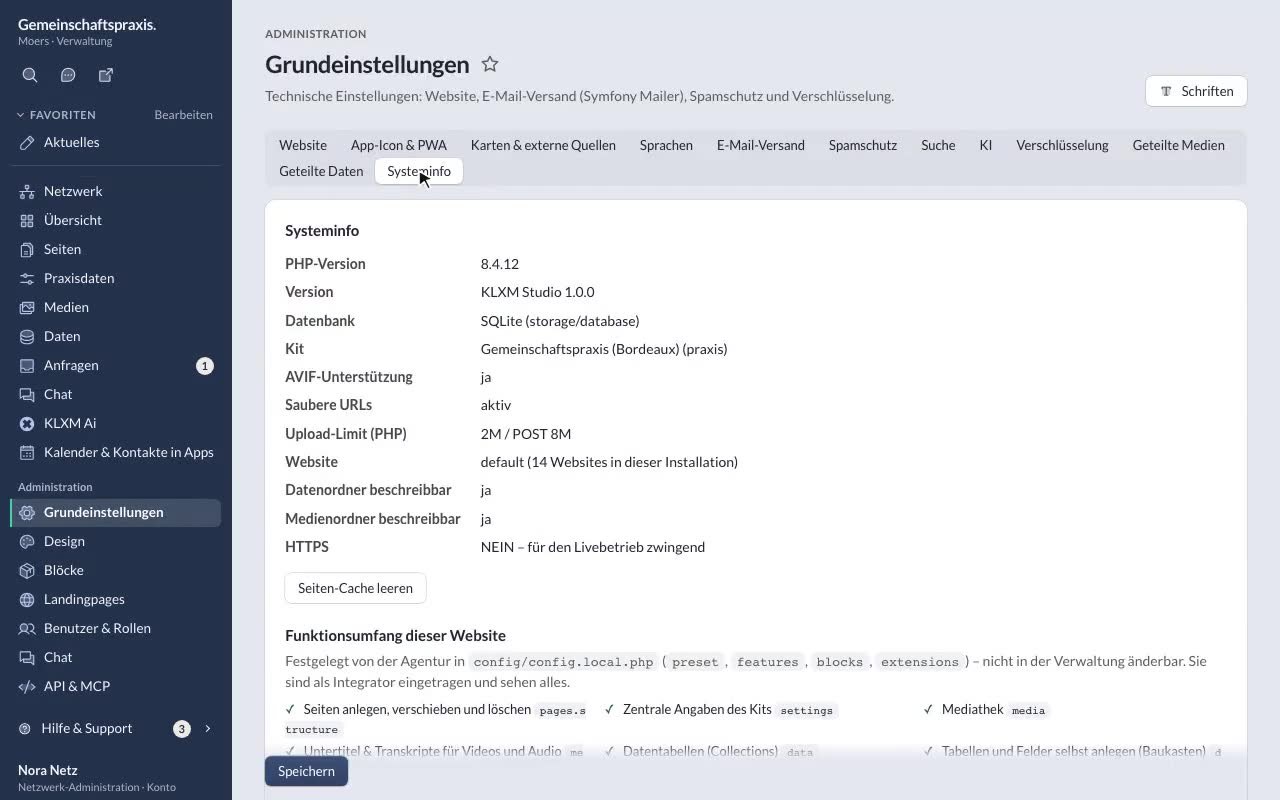
Packages & features per project
Presets full / content / minimal, individual features, blocks and integrators. -
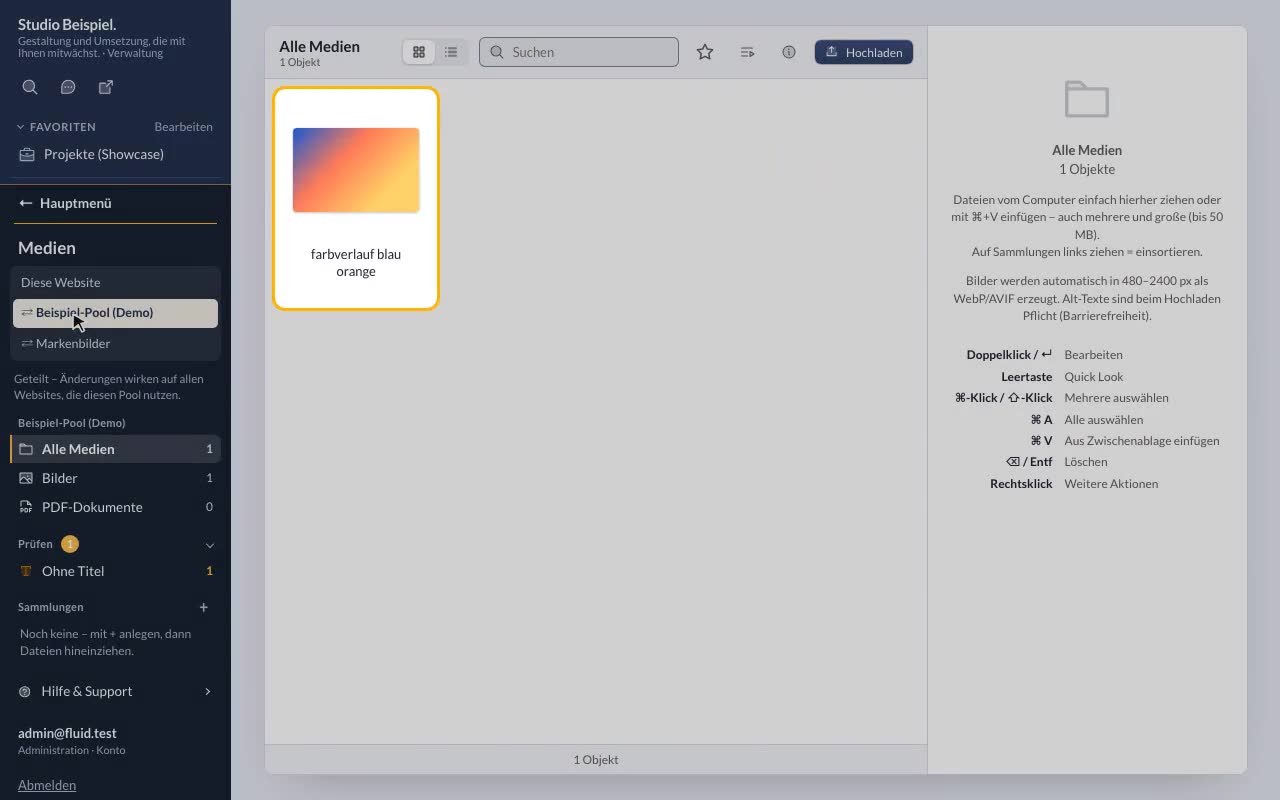
Shared media & shared data
Media pools (e.g. brand images) and an association’s tables for its member clubs. -
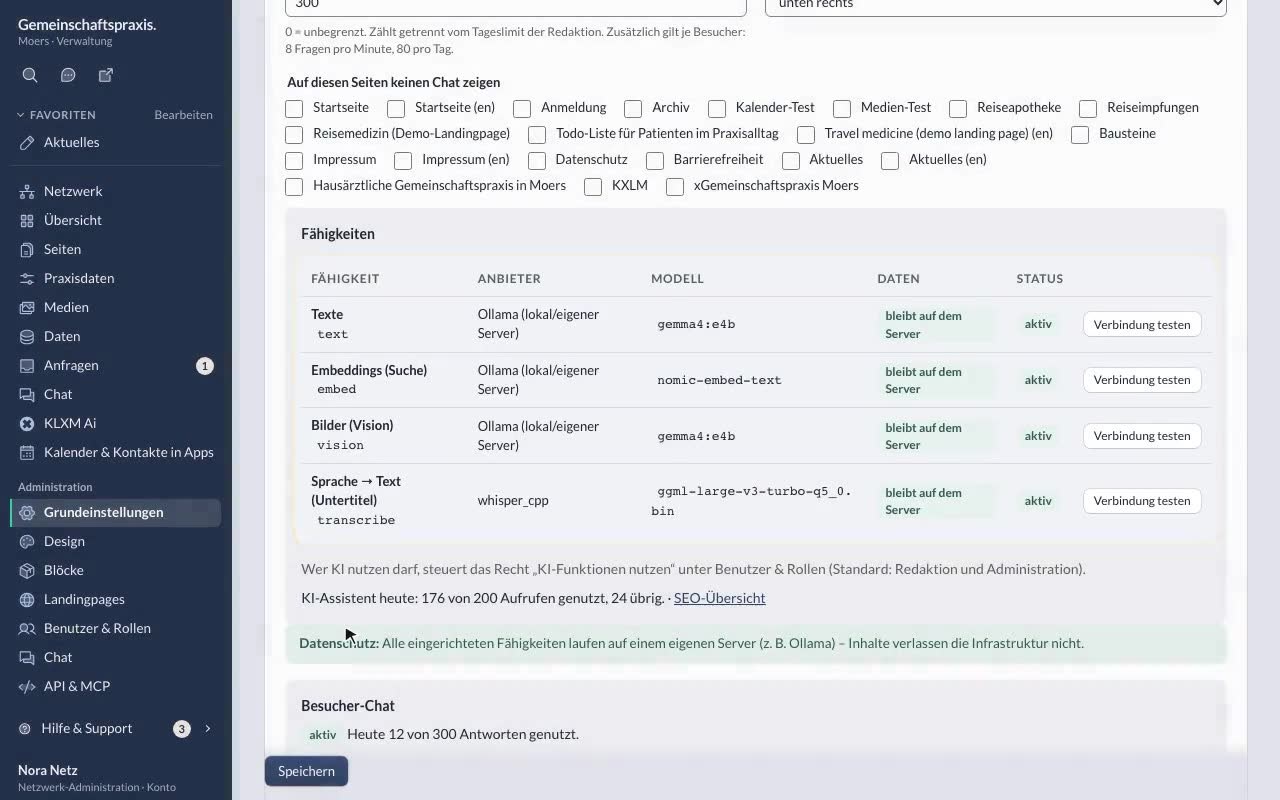
Setting up AI (Ollama, whisper.cpp, privacy)
Capabilities per website, the installation’s provider, testing the connection, privacy. -
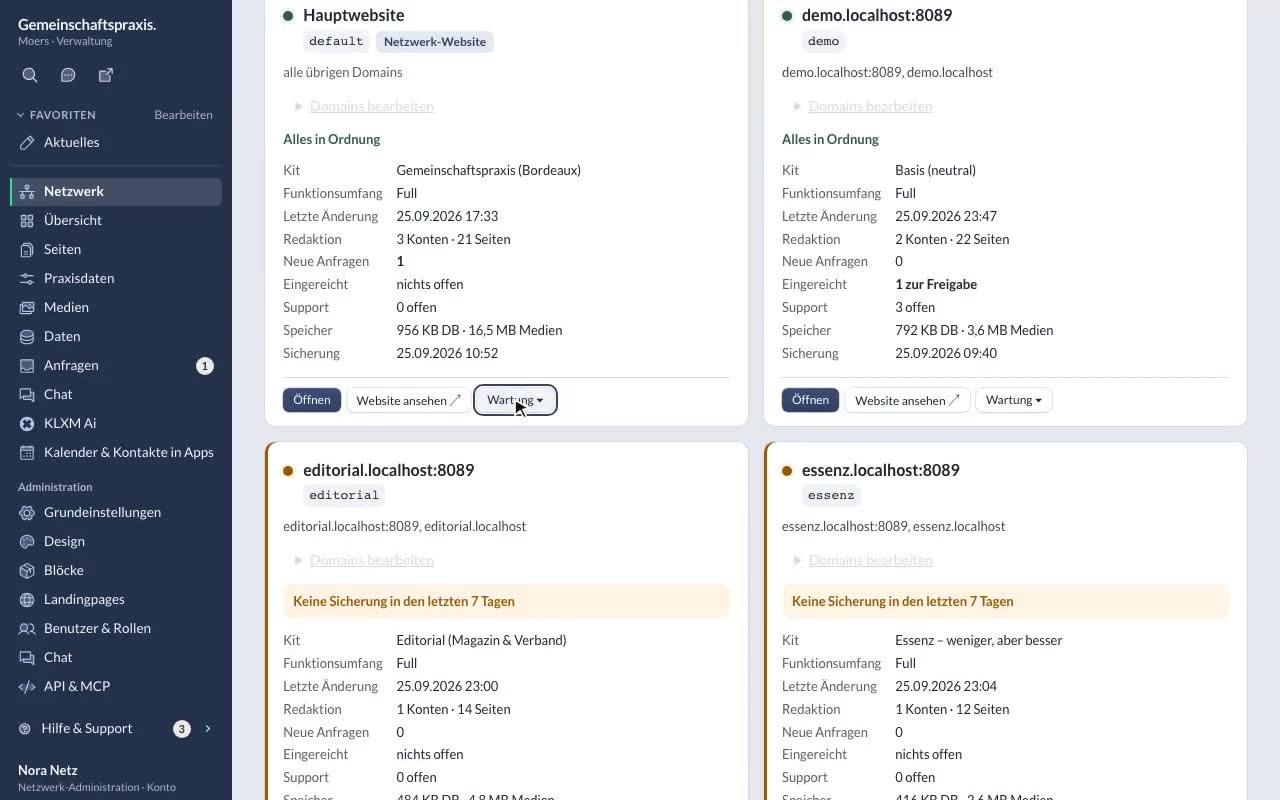
Staging & deploy
What the interface shows – and the commands for releases, rollback and content. -
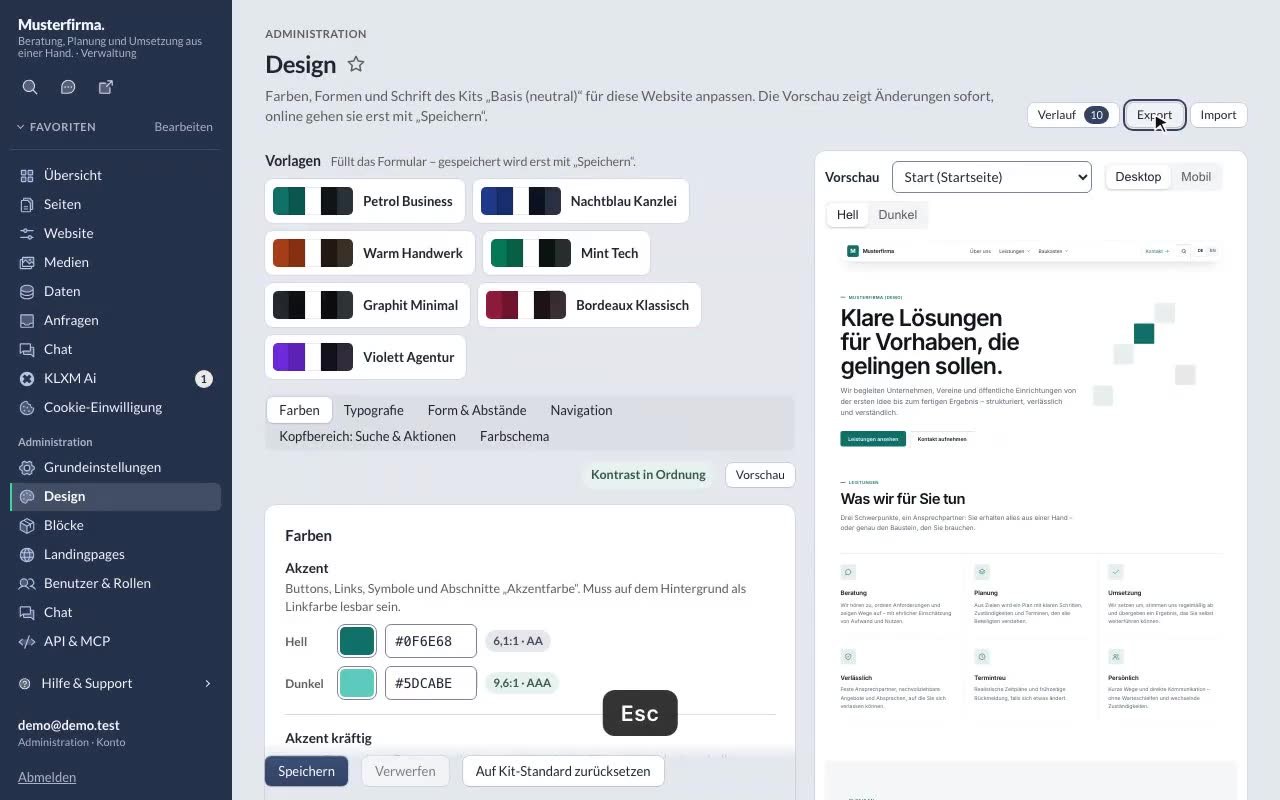
Your own kit: design tokens & export
Design tokens in the style editor, export – and when your own kit makes sense. -
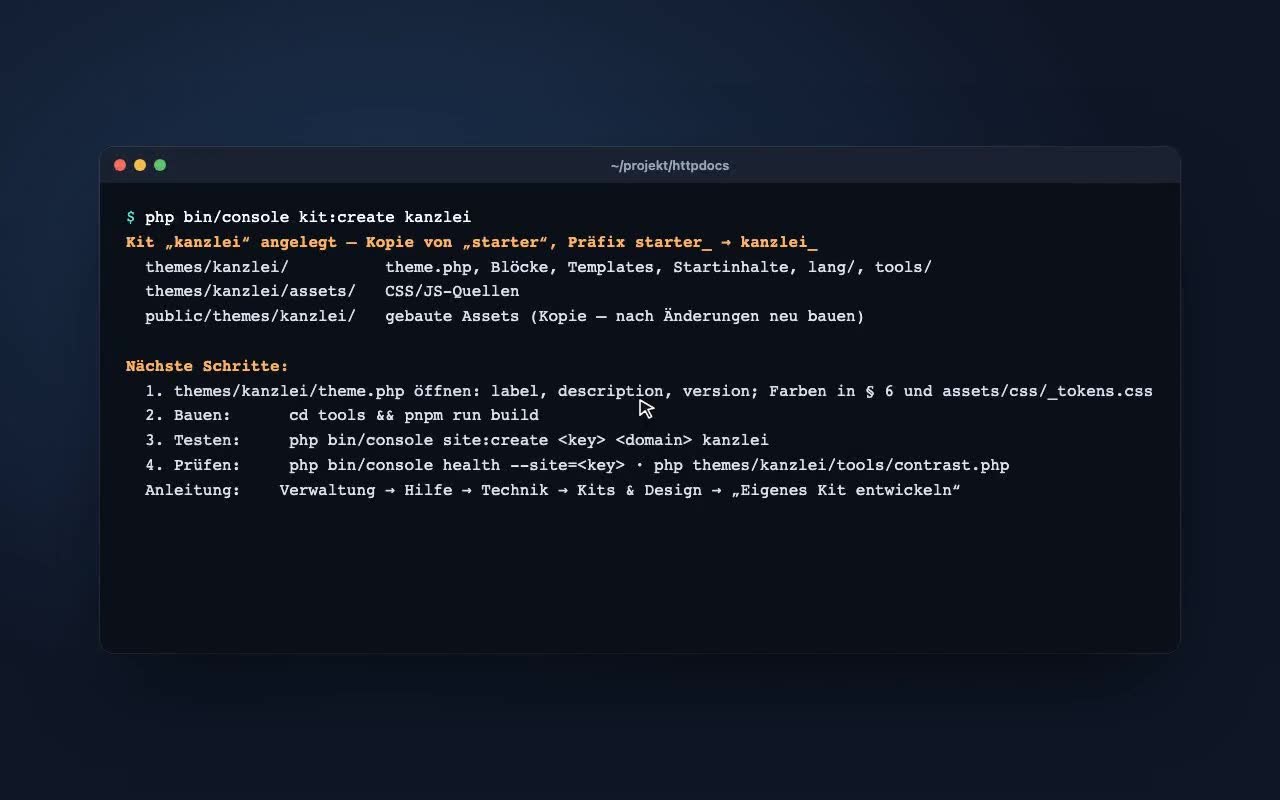
Your own kit with the start kit
kit:create copies the start kit “starter” – then adjust, build, test.
Contact
Talk to KLXM Crossmedia.
A demo, use in your agency or technical questions – we answer personally.
KLXM Crossmedia GmbH
Am Schürmannshütt 40g
47441 Moers
Germany
Am Schürmannshütt 40g
47441 Moers
Germany
- Phone
- +49 2841 889998-0
- info@klxm.de
- Website
- klxm.de (opens in a new tab)