Kits
The foundation of every project.
Kits are self-contained packages with blocks, settings and design tokens – the core stays unchanged and updatable.
Kits
Nine kits – design, blocks and data structure to start with.
A kit is the foundation of a project: design, blocks, website settings, lists and detail pages, structured data, starter content and languages. You adjust its design in the style editor; create your own kits with kit:create.
-
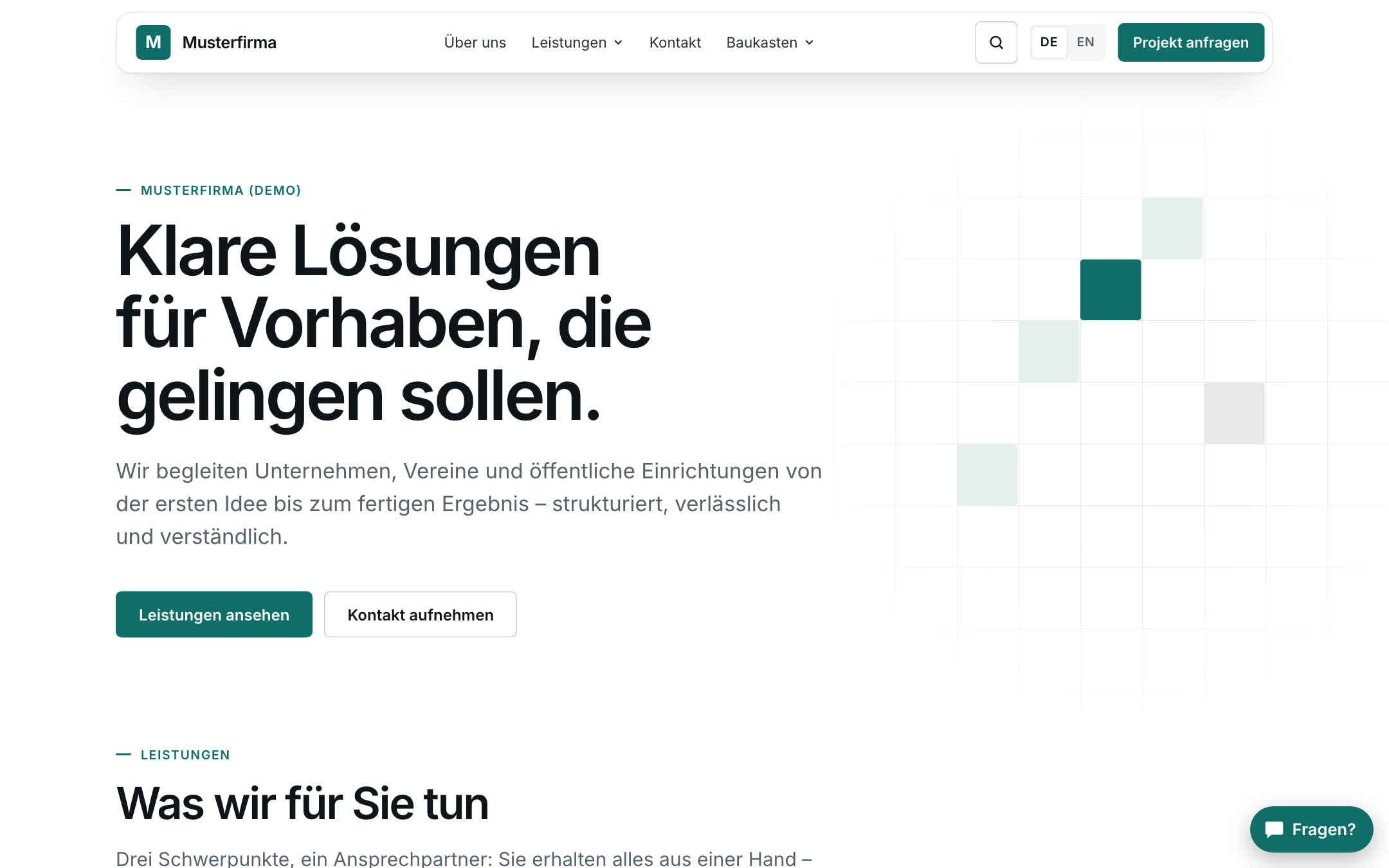
Neutral · toolkit
Kit “Basis”
Starting point for new projects: four navigations, seven design presets, dark mode.
-
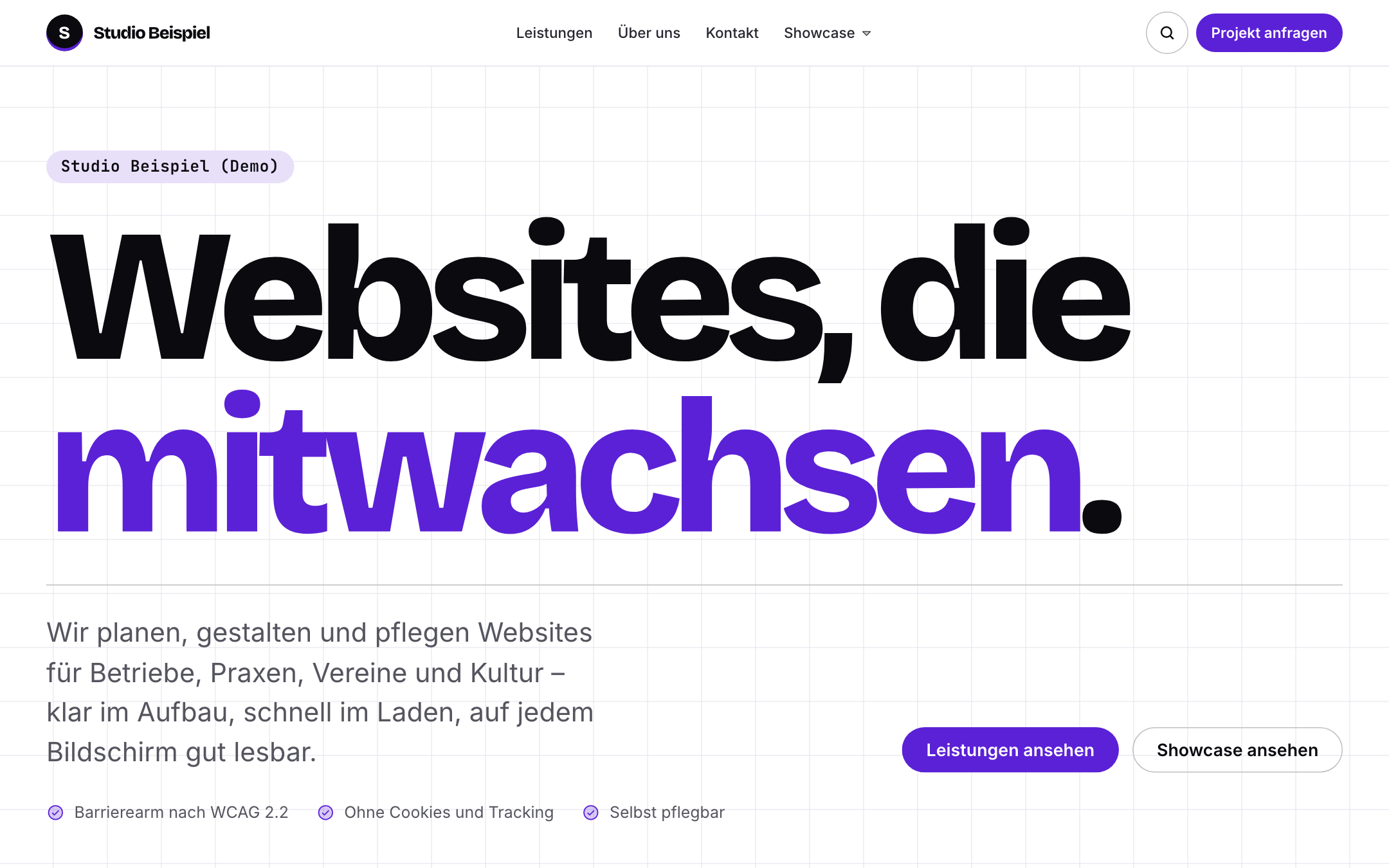
Breakpoint-free
Kit “Fluid”
Type, spacing and grid scale smoothly with every screen width.
-
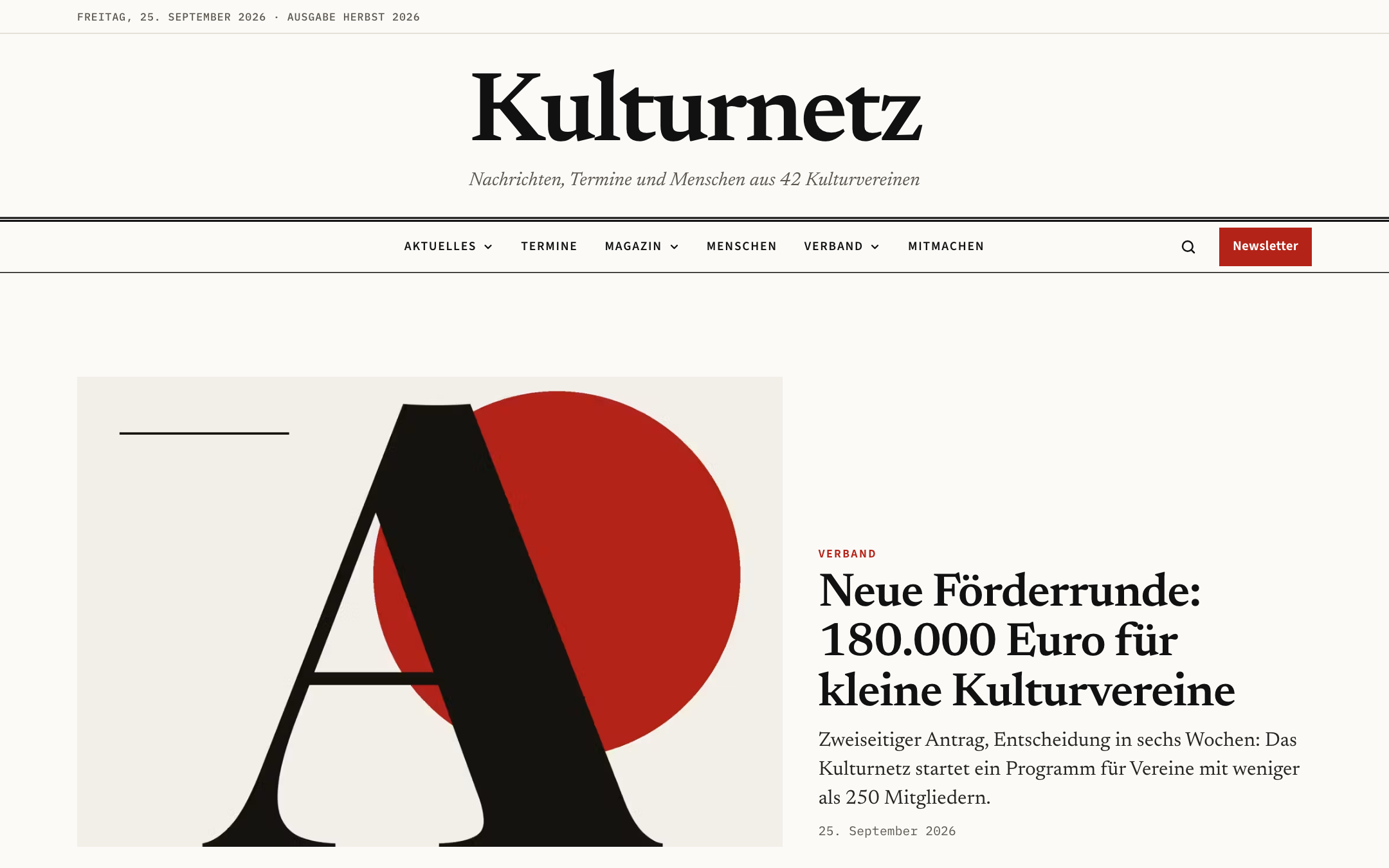
Magazine & association
Kit “Editorial”
Masthead, sections and strong lead stories for associations and culture.
-
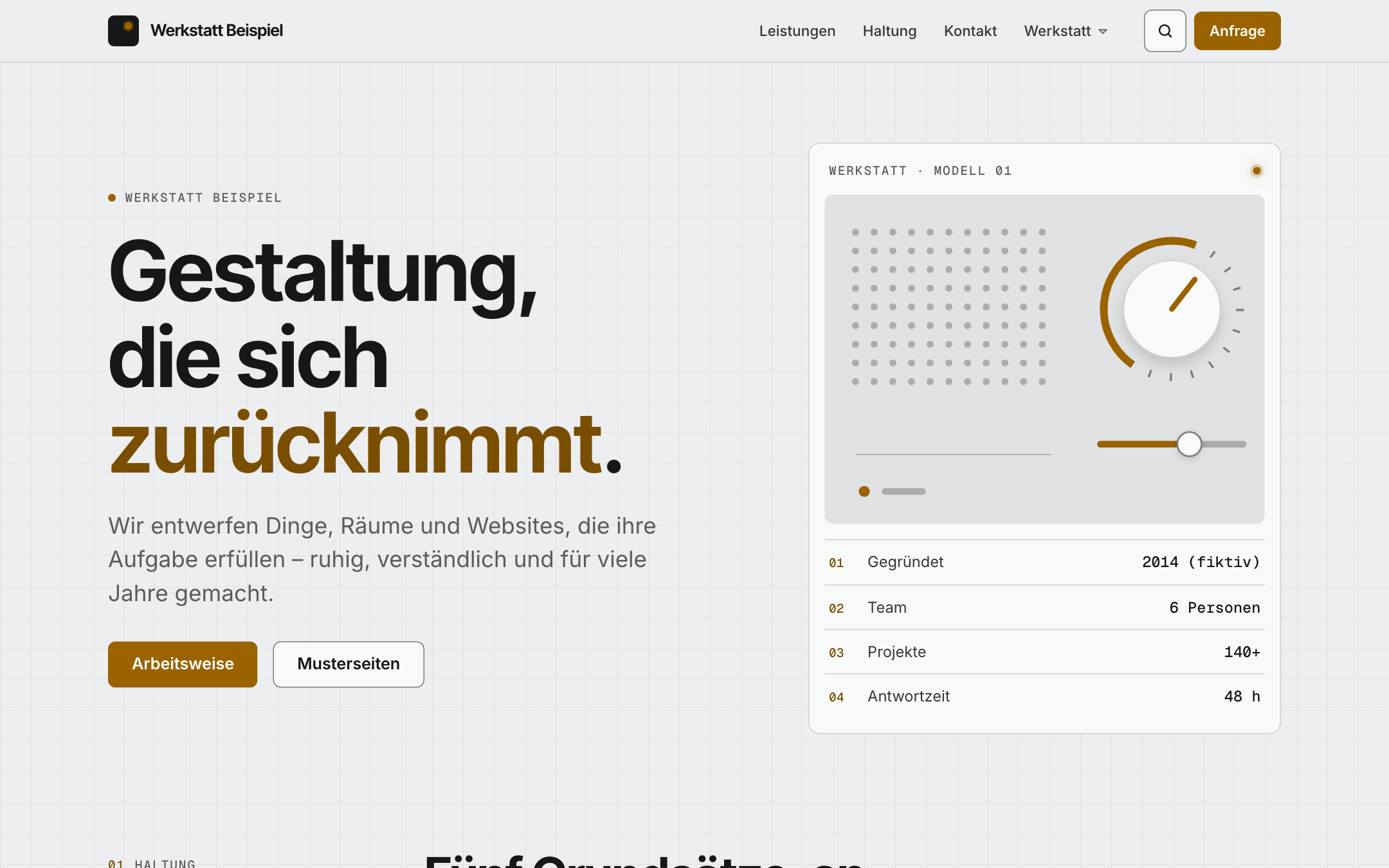
Less, but better
Kit “Essenz”
Functional minimalism with a single signal colour and cards like device panels.
-
Medical practice
Kit “Praxis”
Consultation hours, practice details and encrypted inboxes for prescription and referral requests.
-
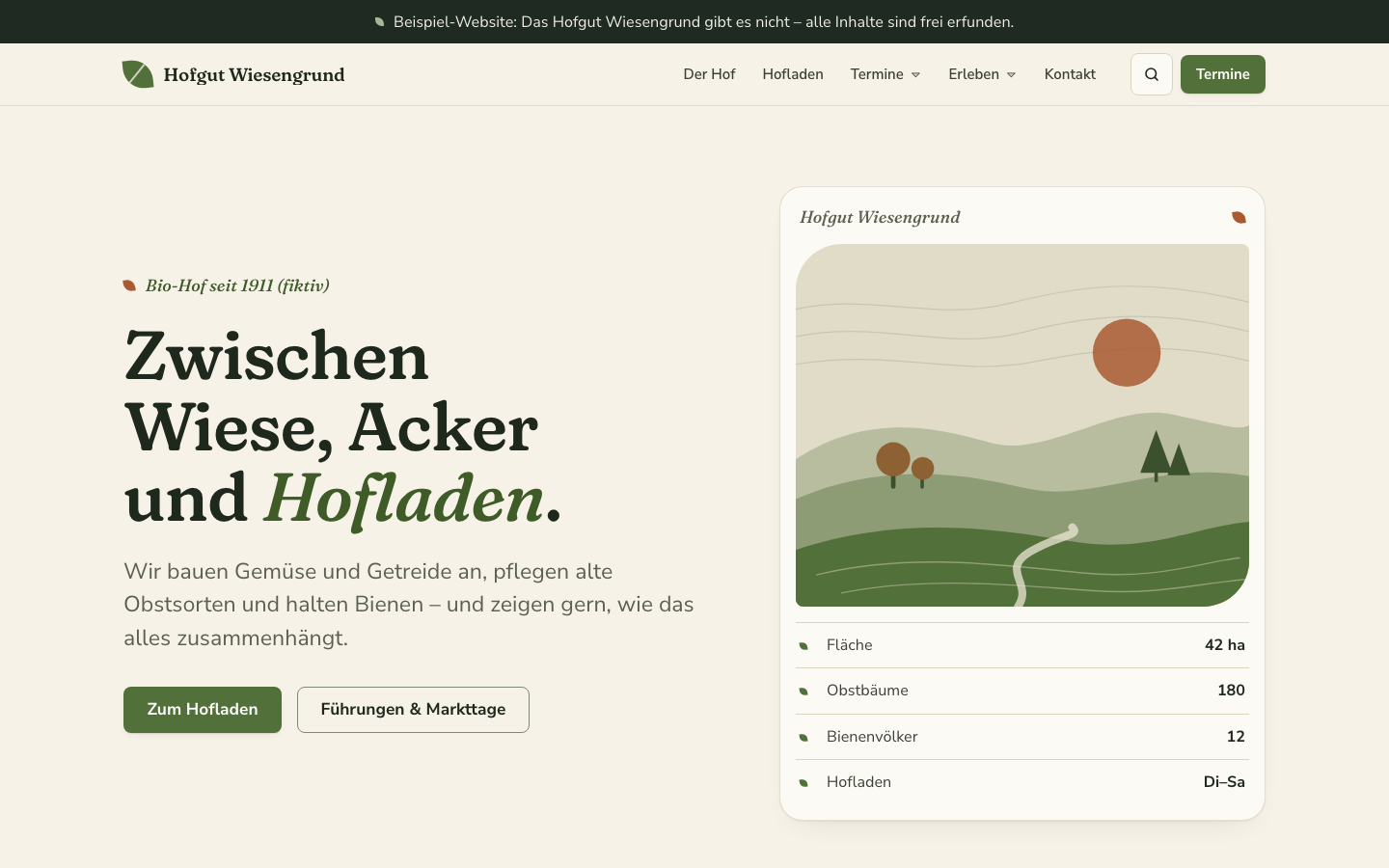
Organic & calm
Kit “Nature”
For farms, farm shops, nurseries, nature conservation and outdoor – with generated landscapes for every season.
-
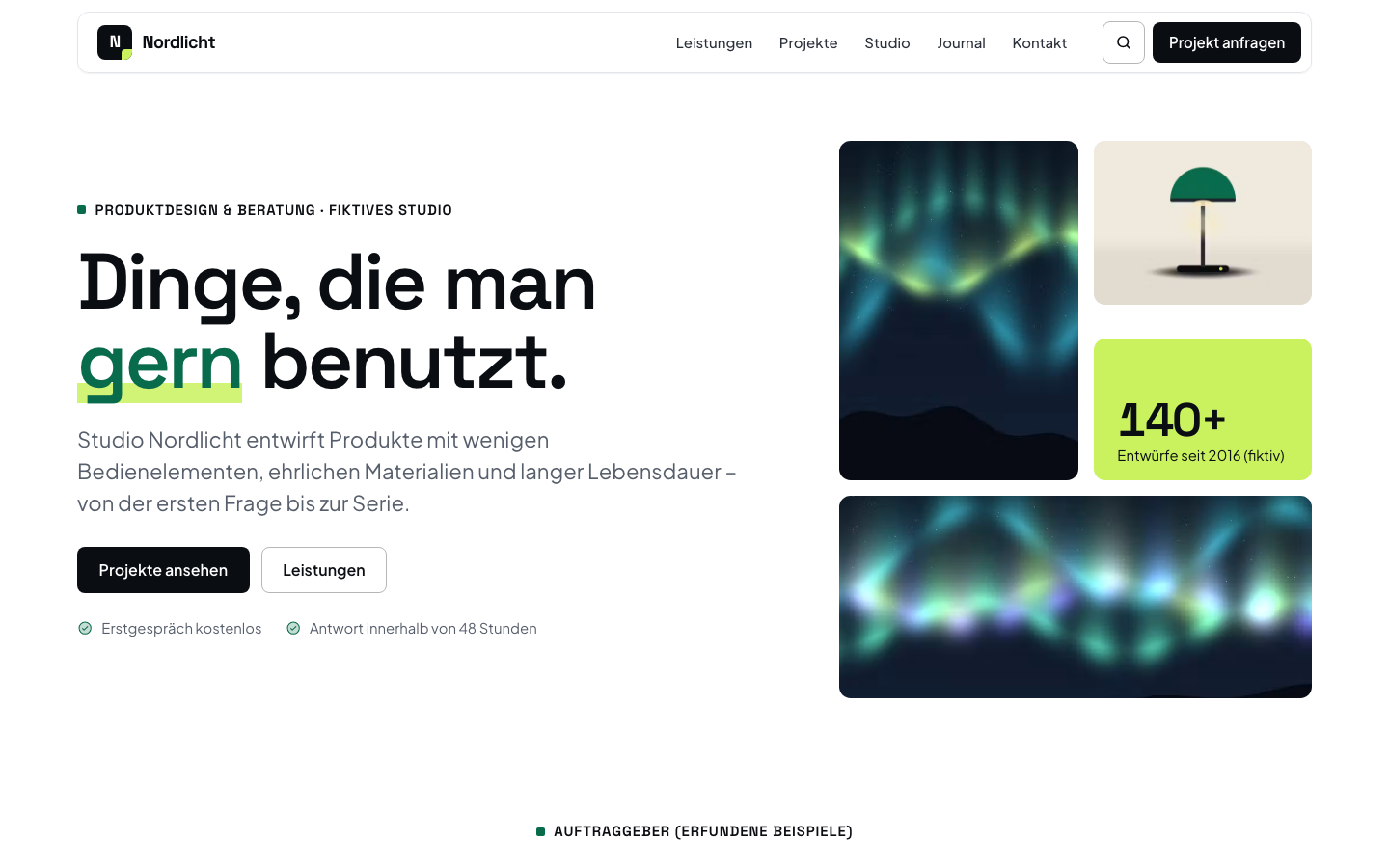
Contemporary & confident
Kit “Modern”
Large grotesque type, bold colour blocks and a bento grid – for studios, consultancies and companies.
-
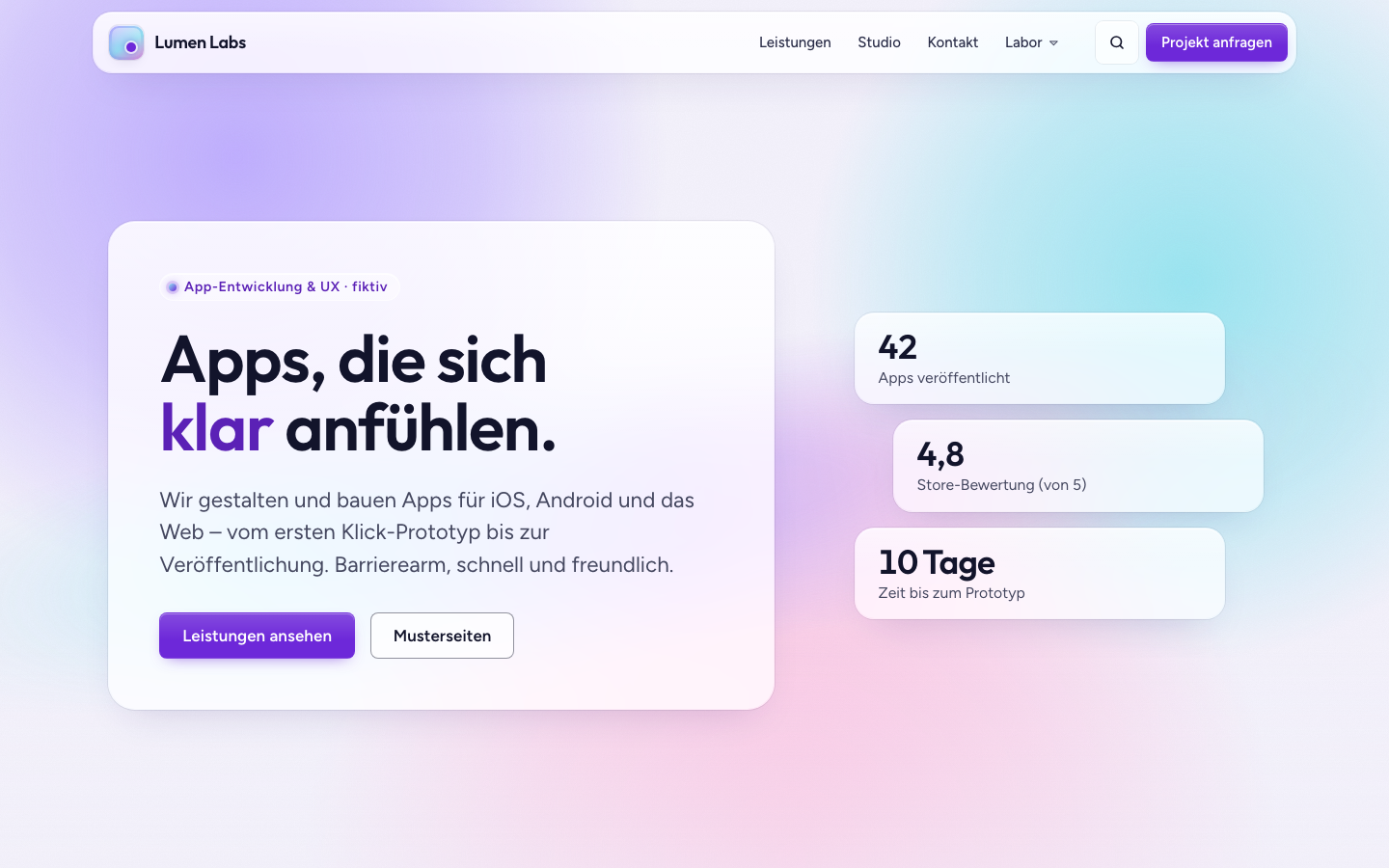
Glass, legibility first
Kit “Glas”
Frosted glass over a soft colour field – opaque when transparency is reduced.
-
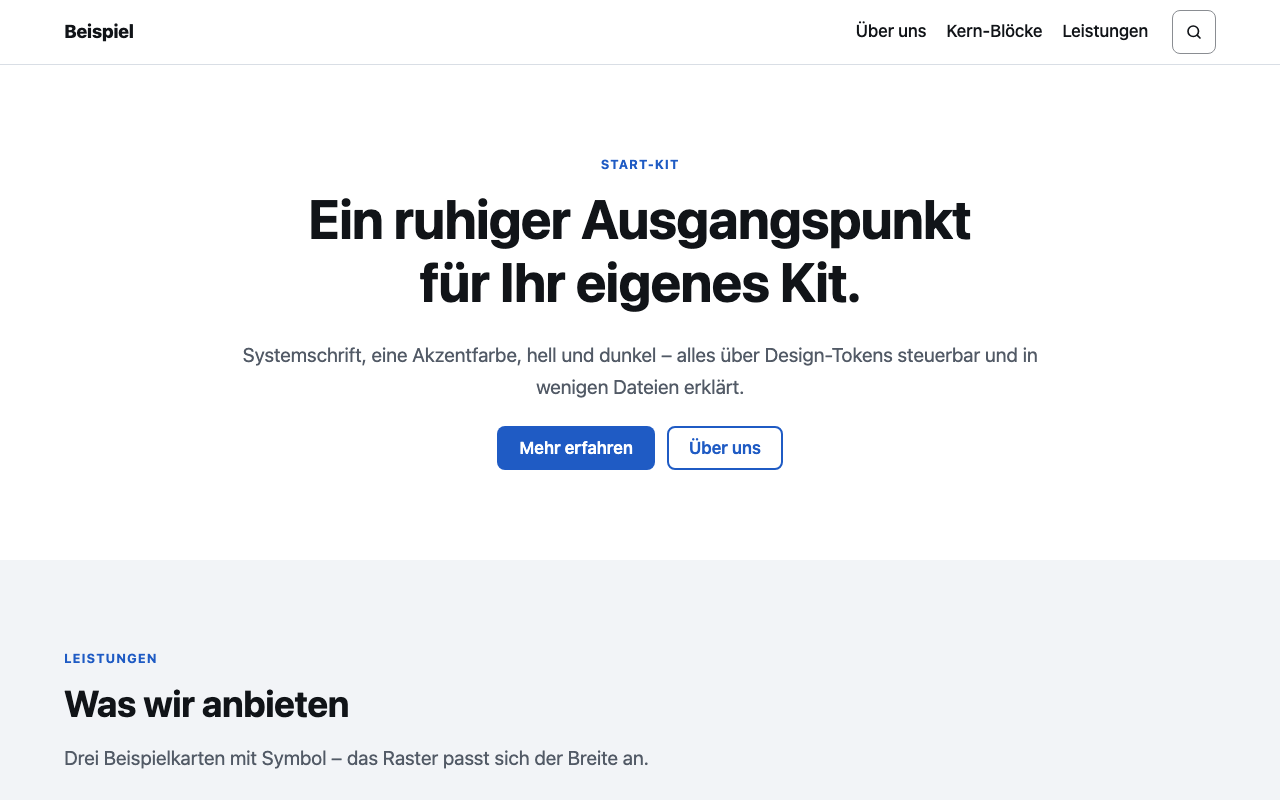
Starting point
Starter kit
The smallest complete kit for your own development – commented in eleven sections.
Light, dark, mobile
On every device.
Click to enlarge. The demo content is fictional.
-
Kit “Essenz” in dark mode -
Kit “Editorial” in dark mode -
Kit “Nature” in its dark “forest night” mode -
Kit “Nature” with the “autumn” preset -
Kit “Modern” in dark mode -
Kit “Glas” in dark mode
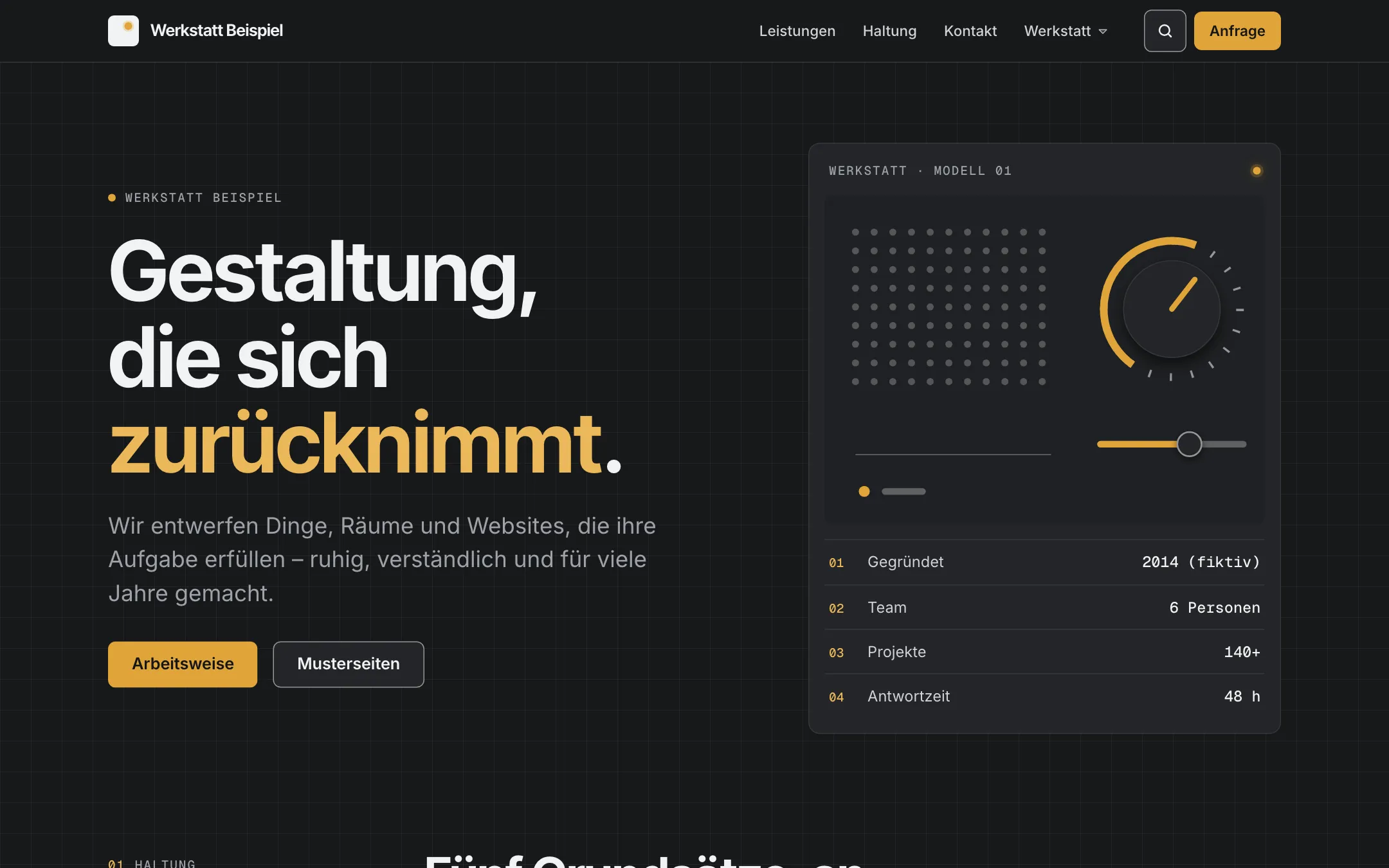
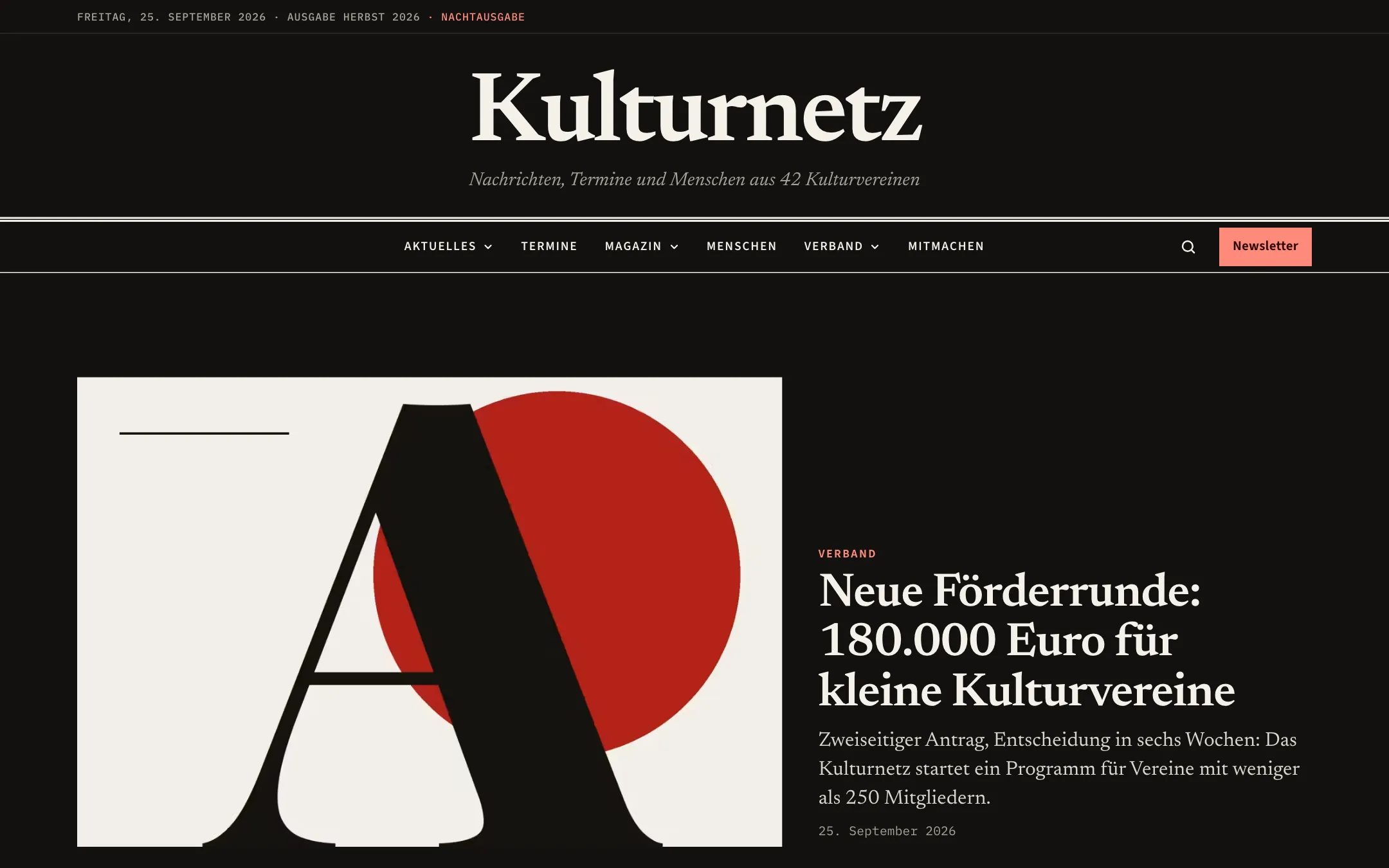
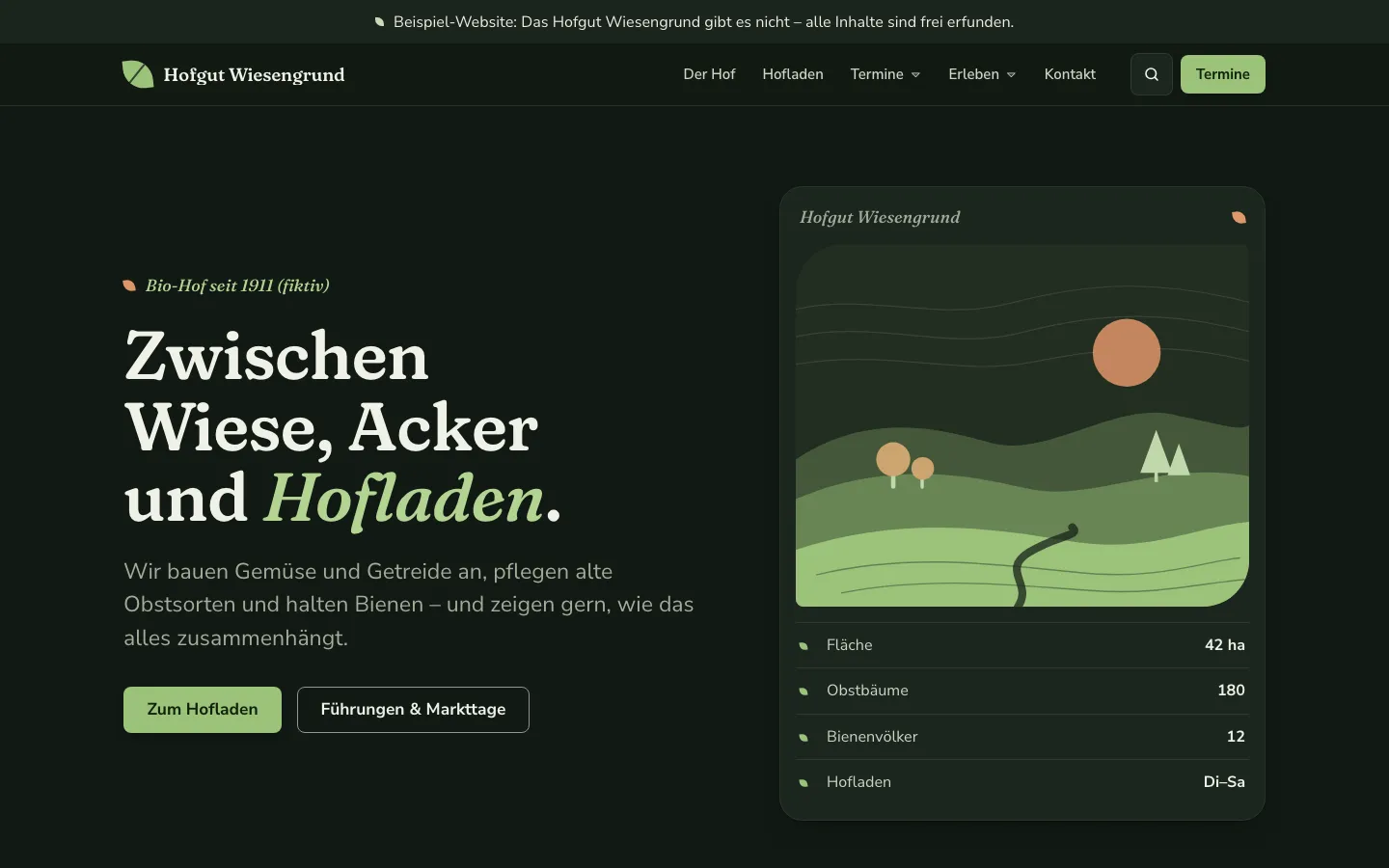
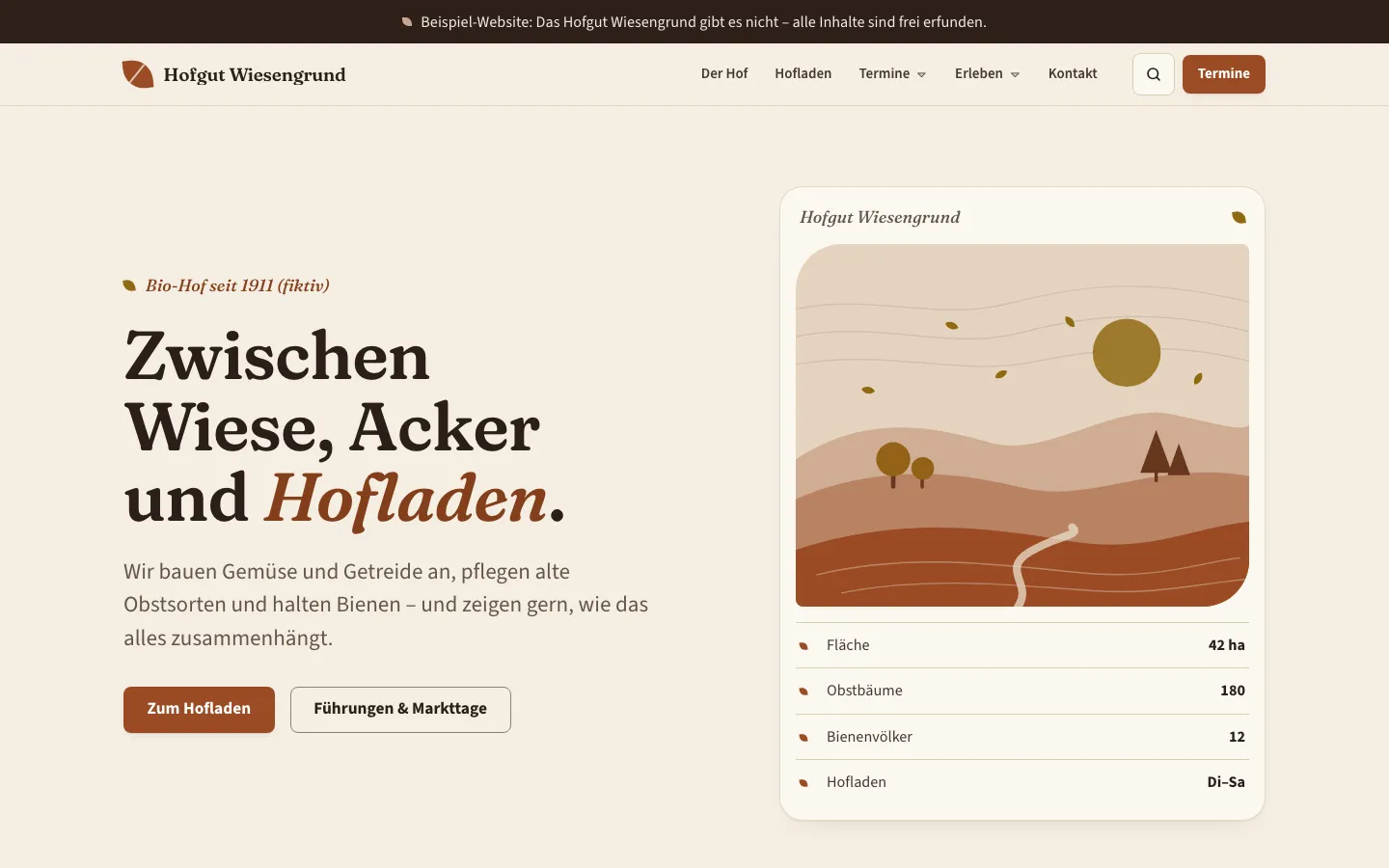
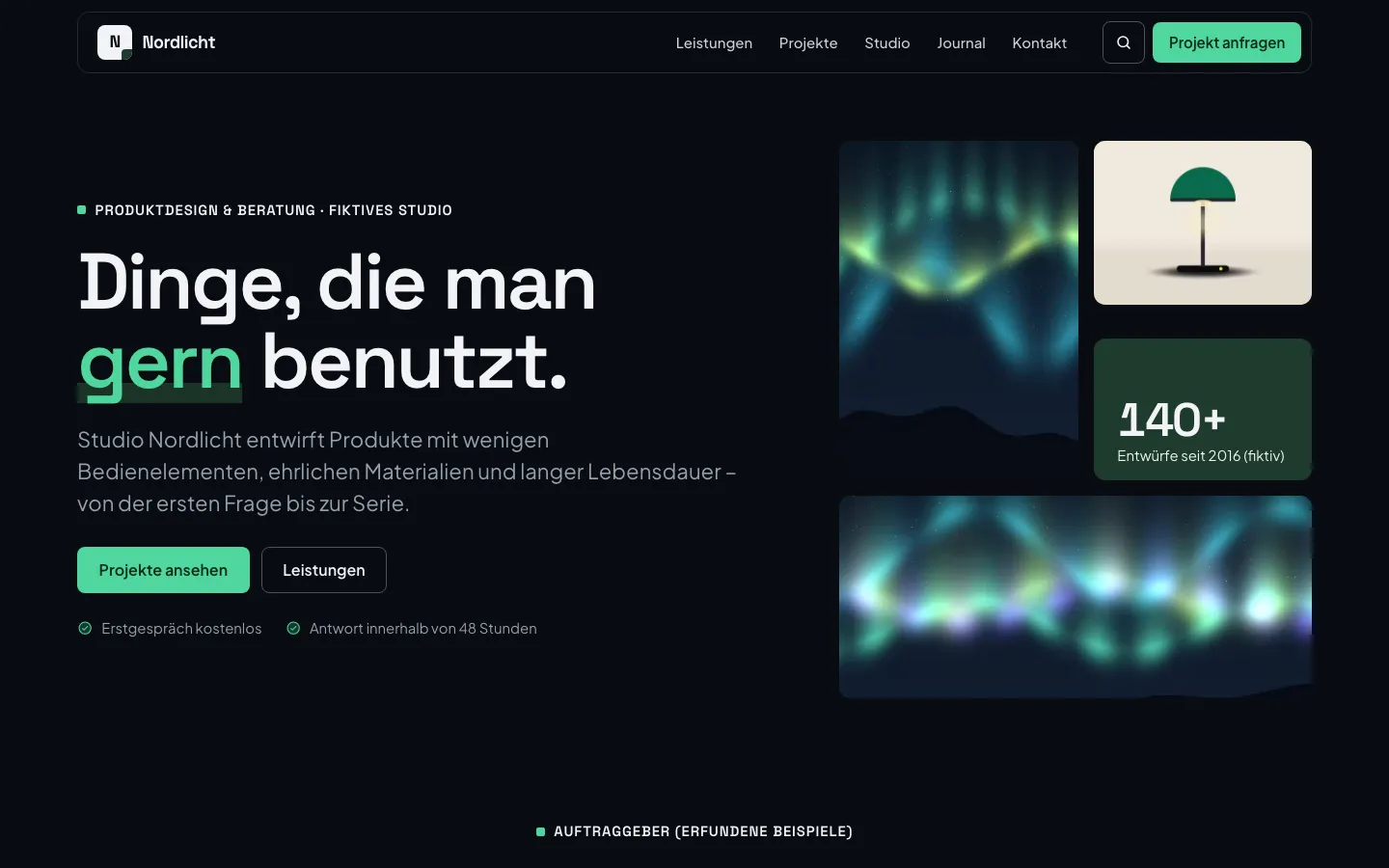
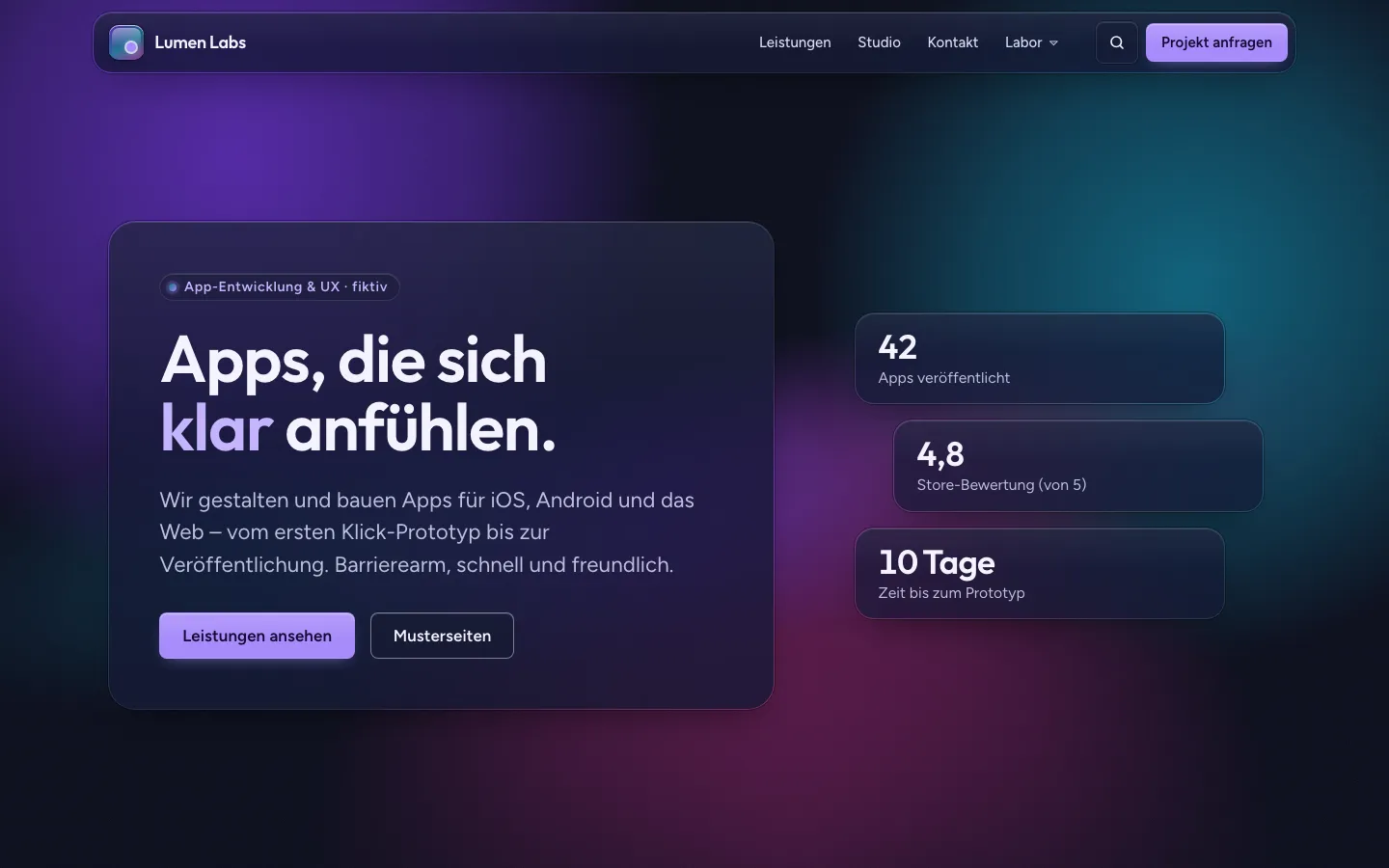
Built in
Budgets and accessibility.
-
Budgets
Home page baseline under 30 KB CSS and under 8 KB JavaScript; block CSS only loads where the block is used.
-
WCAG 2.2 AA
Contrast is checked in the style editor; presets are tuned for light and dark.
-
Local fonts
All fonts are loaded from your own server.
-
kit:create
New kit as a copy of a template – with its own prefix, blocks and settings.
Anatomy of a kit
What a kit contains.
Using the “Essenz” kit as an example: one folder with clear responsibilities – and seven layers that together form the foundation of a project.
Folder
themes/essenz/theme.phpblocks, settings, SEO, conditional CSSdesign.phpdesign tokens and presetsfunctions.phphelpers essenz_*seed.phpstarter contentblocks/one PHP template per blockfaq.phphero.phptemplates/layout, error, partials/assets/sources, built to public/themes/essenzcss/js/lang/en.php, site/en.phptools/demo.php, demo-content.php, contrast.phpdocs/manual.phpchapters for the editor manualREADME.md
Layers
-
Design tokens, presets and navigation variants – adjustable in the style editor.
-
Fields and one PHP template per block.
-
Website form, lists and detail pages.
-
Titles, descriptions and JSON-LD.
-
Pages, tables and images on first start.
-
Fixed texts via lt() with translations.
-
Helper functions with their own prefix.
Layer by layer
Real excerpts from the “Essenz” kit.
-
Design
Every token becomes a CSS variable or a class on <html>; the style editor checks contrast pairs. Plus presets such as “Signalorange” or “Graphit” and header variants.
themes/essenz/design.php $color('accent', 'Signal (Füllfarbe)', '--e-a', '#D85B19', '#F0782F', ['with' => 'background', 'min' => 3], … ['name' => 'header', 'label' => 'Kopfbereich', 'type' => 'choice', 'class' => 'hdr-{value}', 'default' => 'bar', 'preview' => 'nav', -
Blocks
The definition describes fields, variants and structured data; the template renders – with inline editing via $b->edit().
themes/essenz/theme.php · blocks/faq.php 'faq' => [ 'label' => 'Fragen & Antworten', 'icon' => 'question', 'group' => 'Inhalt', 'variants' => ['split' => 'Überschrift links, Fragen rechts', 'stacked' => 'Untereinander'], <summary class="faq__q">… <span class="faq__qt"<?= $b->edit("items.$i.q") ?>><?= e($it['q']) ?></span> -
Data structure
The “Website” form defines the central details – name, address, hours; blocks and templates read them with setting(). Detail pages are a template per data table.
themes/essenz/theme.php 'settings' => [ 'title' => 'Website', 'groups' => [ ['id' => 'stammdaten', 'label' => 'Stammdaten', 'fields' => [ ['name' => 'org_name', 'label' => 'Name (Unternehmen, Verein, Büro …)', 'type' => 'text', 'required' => true, -
SEO
Which settings feed titles, descriptions and preview images – and which function provides the organisation as JSON-LD. Blocks declare their own data (e.g. FAQPage).
themes/essenz/theme.php 'seo' => [ 'home_title' => 'site_title', 'title_suffix' => 'site_title_suffix', 'title_suffix_fallback' => 'org_name', 'description' => 'default_meta_description', 'og_image' => 'og_default_image', ], 'jsonld' => 'essenz_jsonld', … 'jsonld' => ['type' => 'faq', 'items' => 'items', 'question' => 'q', 'answer' => 'a'], -
Starter content
On the first request of a new website, the kit seeds settings and pages – and optionally more, such as sample pages with tables and images.
themes/essenz/seed.php 'after' => function () { require_once __DIR__ . '/tools/demo-content.php'; essenz_demo_install(); }, -
Languages
Fixed texts are written in German in the template and output via lt() in the page’s language.
templates/layout.php · lang/site/en.php <a class="skip" href="#main"><?= e(lt('Zum Inhalt springen')) ?></a> 'Datenschutz' => 'Privacy', -
Logic
Helpers with the kit’s prefix – kit:create renames it automatically for derived kits.
themes/essenz/functions.php function essenz_name(bool $short = false): string { $name = trim((string) setting('org_name')); $shortName = trim((string) setting('short_name')); if ($short && $shortName !== '') return $shortName; return $name !== '' ? $name : ($shortName !== '' ? $shortName : site_name()); }
Starter kit
Anatomy of the starter kit.
The complete folder – theme.php is split into eleven commented sections.
themes/starter
themes/starter/assets/css/_base.cssreset, typography, sections, buttons_tokens.cssdesign tokens + roles, light/darkblocks.cssonly with sample blockscore.cssvariables for core blockssite.cssalways loadedjs/site.jsProgressive Enhancementvideo.jstwo-click videoblocks/cards.phpcta.phpdownloads.phpfaq.phphero.phptext.phptext_image.phpvideo.phplang/site/en.phpen.phptemplates/partials/editor.phpeditor mountfooter.phpheader.phpsection.phpvideo-embed.phptwo-click, MP4, postererror.phplayout.phpmaintenance.phpoffline.phptools/contrast.phpWCAG checkdemo-content.phphome page + subpagebuild.mjsoptional build hookCHANGELOG.mdcomposer.jsonstub “klxm-studio-kit” (package install planned)functions.phphelpers starter_*LICENSEREADME.mdseed.phpstarter contenttheme.phpdefinition in 11 commented sections
theme.php · § 1–11
-
§ 1 Meta · § 2 Sections
Name, version, core version; backgrounds and containers.
-
§ 3 SEO & JSON-LD · § 4 Project
Titles, descriptions, organisation; terms, checks, app icon.
-
§ 5 Assets · § 6 Design
CSS/JS only where needed; design tokens, presets, navigation variants, light/dark.
-
§ 7 Website · § 8 Blocks · § 9 Data
Central form; sample blocks plus core blocks; lists and detail pages.
-
§ 10 Starter content · § 11 Languages
Home page and subpage; translations in lang/.
-
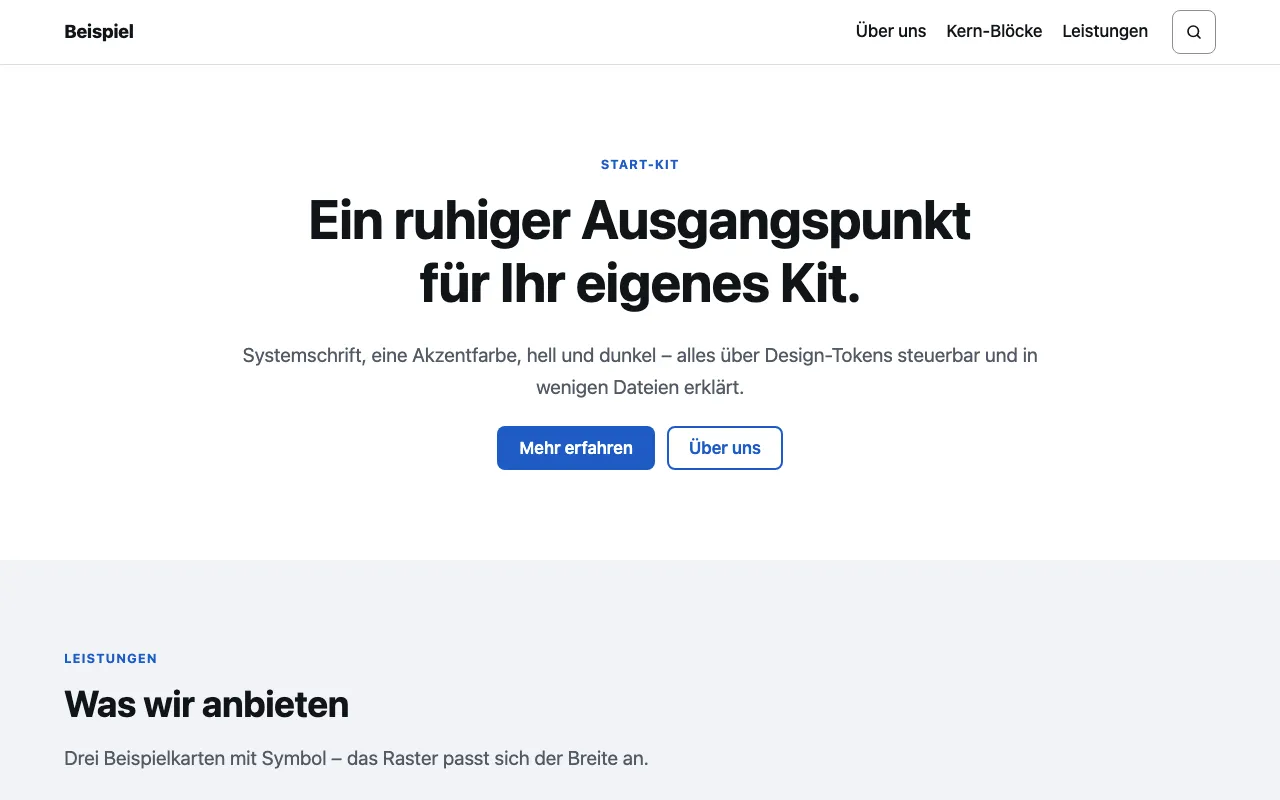
Starter kit home page (demo)
Starter kit
Your own kit in a few steps.
The starter kit is the smallest complete kit: system font, one accent colour, light and dark, six sample blocks plus video and downloads – home page ≈ 15.7 KB CSS and 0.4 KB JavaScript.
-
Get the source
git git clone https://github.com/klxm/studio.git cd studio -
Create a kit
A copy of the starter kit (default) with its own prefix for functions and settings; --from picks another kit as template.
shell php bin/console kit:create meinkit php bin/console kit:create meinkit --from=basis # oder ein anderes Kit -
Adjust tokens and blocks
theme.php is split into eleven commented sections: § 6 design tokens, § 8 blocks (fields + template in blocks/), § 11 languages in lang/.
-
Build
Copies the sources from assets/ to public/themes/meinkit and minifies them.
shell cd tools && pnpm run build && cd .. -
Check
Health check (“kit compatible”) and contrast of all presets against WCAG 2.2 AA, light and dark.
shell php bin/console health php themes/meinkit/tools/contrast.php
Contact
Talk to KLXM Crossmedia.
A demo, use in your agency or technical questions – we answer personally.
Am Schürmannshütt 40g
47441 Moers
Germany
- Phone
- +49 2841 889998-0
- info@klxm.de
- Website
- klxm.de (opens in a new tab)